What is BotFather?
BotFather is the AI operator built into AnyBot. It runs the platform for you in plain English, takes the real action, shows every step, and only ever acts from an approved set.
BotFather is the AI operator built into AnyBot. Tell it in plain English what you want done, "connect my WhatsApp," "create a support agent trained on my site," "who were my last ten leads?", and it performs the real platform action on your behalf and streams each step as it goes. It is not a chatbot that hands you instructions to follow: it drives the same API the dashboard uses, acting with your account's permissions, and it only ever acts from an approved set of actions. It never invents an operation to satisfy a request.
How to open it
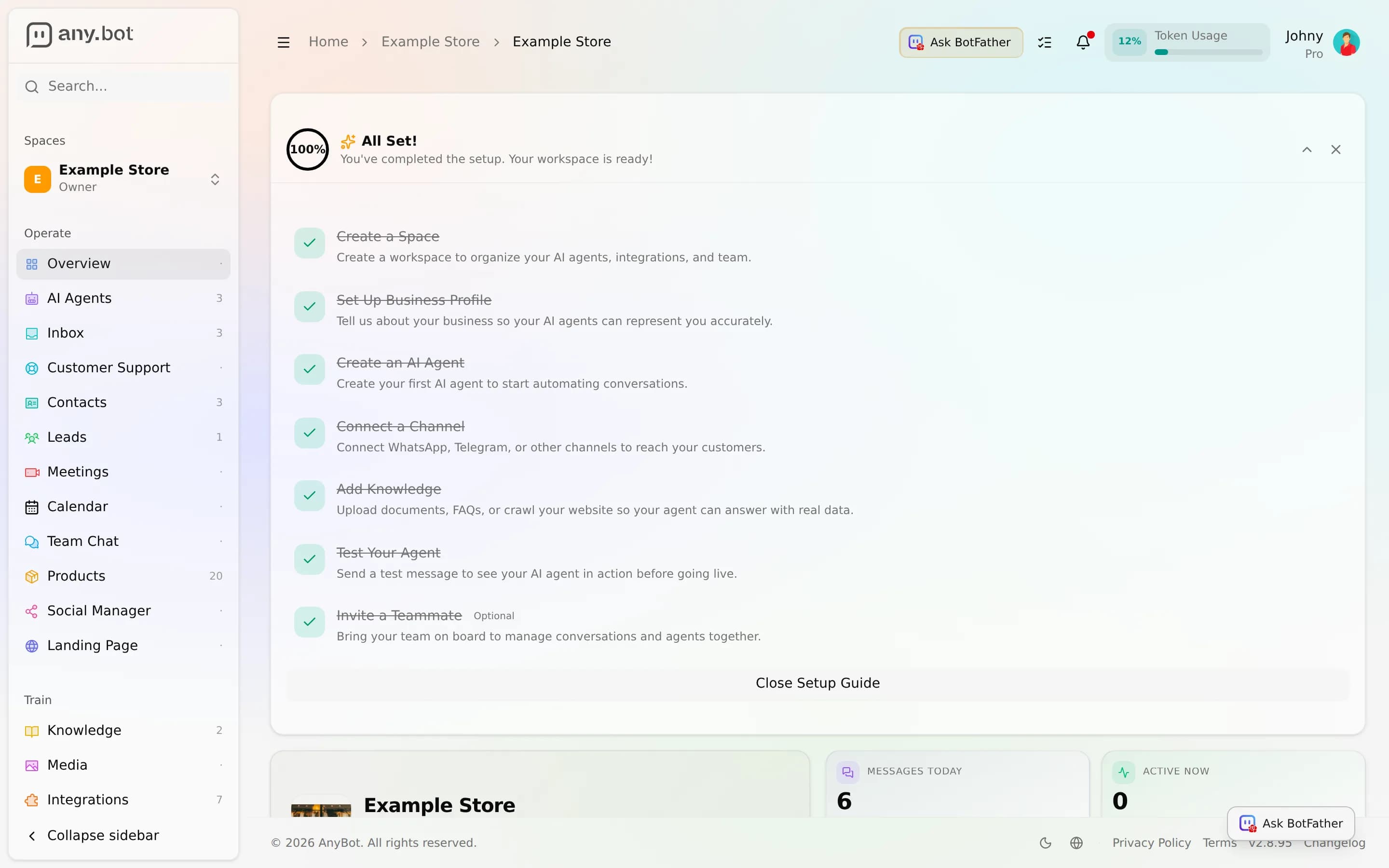
- Click Ask BotFather in the top bar of any dashboard page.
- Or press Cmd/Ctrl + J to toggle it from anywhere.
It opens as a side panel, so you can keep working in the page behind it.
How it fits together
You (plain English) → BotFather → picks the right skill
   → calls the platform API as you → streams each step back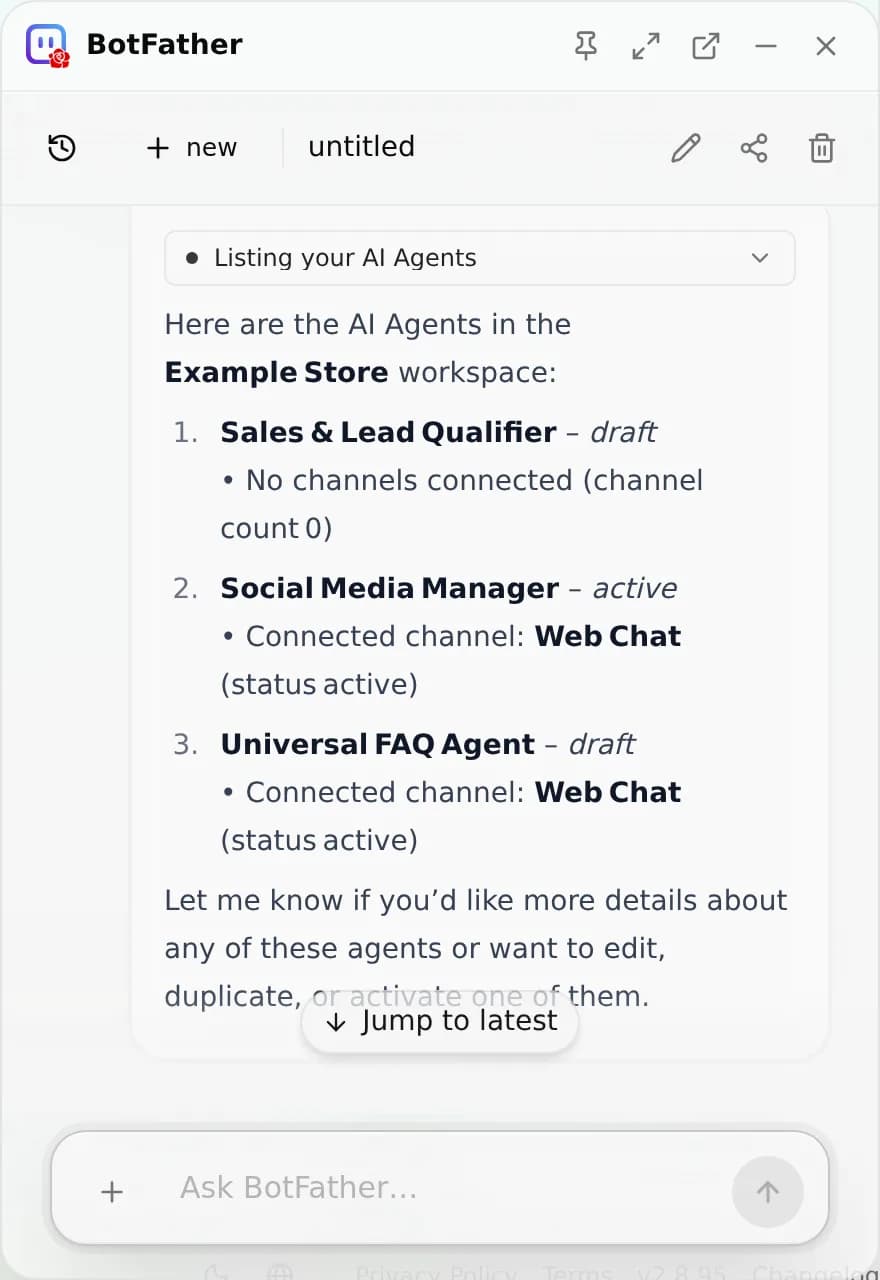
What BotFather can do
BotFather is organized around real task areas of the product. In one conversation it can:
- Create agents, build a new AI agent from scratch or a template, name it, set its role and opening message.
- Configure agents, tune an existing agent's role, style, model, Skills, and extra instructions, and manage its persona.
- Manage agents, list, duplicate, deploy, share, or delete agents you own.
- Manage the knowledge base, upload and organize files, then assign them to the right agents.
- Connect channels and integrations, set up WhatsApp, Slack, Telegram, email, calendars, CRMs and more across 8 channels and 33 integrations.
- Work with leads and the inbox, list and tag leads, triage conversations, and manage contacts.
- Handle meetings, schedule, summarize, and search meetings, and set up a meeting provider.
- Run the product catalog and social, list and edit products, and draft or schedule social posts. In Social, BotFather knows which page and post you're on, shows posts as cards with links, and can set up posting times, fill your queue, and look into engagement and analytics with you. It schedules in your local time.
- Manage the space, business profile, members, invites, and branding.
- Billing and account, check your plan, usage, and account settings.
- Draft long-form copy, write articles, descriptions, and replies (this is composition, not file export).
- Get help, open a support ticket or troubleshoot a platform error.
BotFather can also generate images for you, see Image generation. Video can be generated in the social composer and in Media Studio.
Why "shows its work" matters
Every action BotFather takes surfaces as a labeled step. You see "Listing your workspaces," "Creating a workspace," "Connecting WhatsApp" happen in order, not a black box that reports "done." The raw request details stay available in a details panel, but the conversation reads in plain product terms. It is also multi-session (run parallel, auto-titled conversations) and takes an entity focus: point it at a specific agent, lead, or conversation, or attach a file, and it acts on exactly that.
What it won't do
- No listed action means unsupported. If you ask for something the platform doesn't expose to it, say, renaming an entity that only supports reads. It says so plainly instead of improvising.
- It never guesses its way to a capability. It won't try one endpoint after another hunting for one that works.
- It never fabricates results. If a call fails or returns nothing, it tells you. It will not paraphrase an error as "all connected and healthy."
- It never takes a destructive shortcut. It won't delete-and-recreate something to fake an edit, because that would discard real history.