Web Search
One built-in, public-safe tool that answers from the live web with cited sources, no account to link, metered as usage.
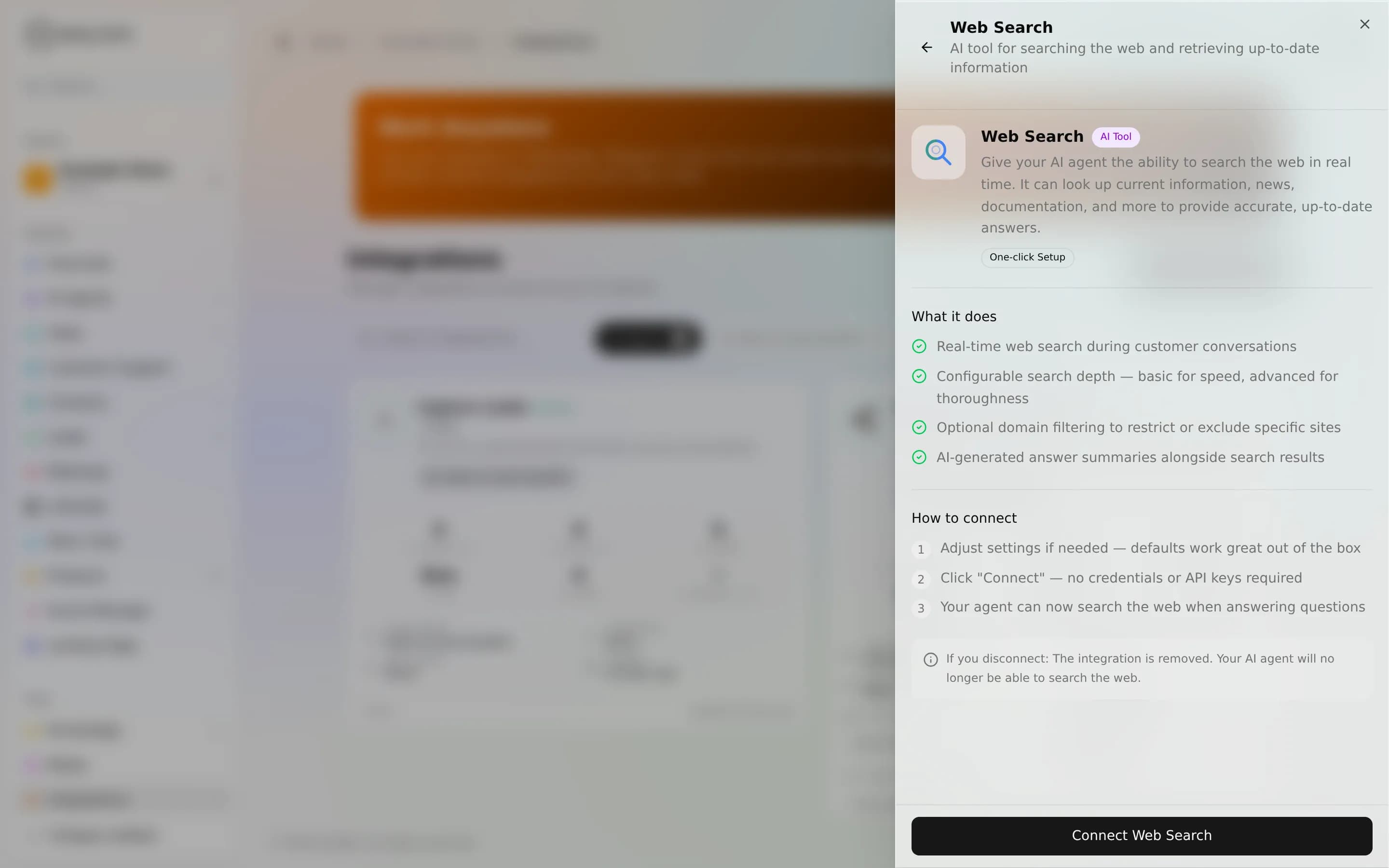
Web Search gives your agent a single tool that queries the live web and returns results with their source URLs, so it can answer current-events and general questions that aren't in your knowledge base, and stay honest about where the answer came from. There's no external account to link: AnyBot provides the search backend, and each search is metered as usage.
Turn it on
There's no sign-in and no keys to paste. You're not connecting your own account.
- Open Integrations and choose Web Search.
- Enable it for the agent that should be able to search.
- The agent can now search the live web in its replies.
The real gotcha: Web Search only appears and runs when the search provider is configured for your workspace (see the note above). Once it's on, you don't manage any credentials. You just decide which agents get it.
The tool
| Tool | Access | Type | What it does |
|---|---|---|---|
websearch | Public-safe | Read | Runs a live web search for the given query and returns ranked results (title, source URL, and a content snippet), so the agent can answer with citations and, optionally, a synthesized answer. |
That's the whole surface: one read-only tool. It never writes anywhere, and it's the only public-safe tool that searches the live web.
Public-safe vs owner-only
The tool is public-safe, so it's safe to expose on public channels. A website visitor can trigger a search and get cited results. What stays owner-only is the configuration: search depth, topic focus, result count, and domain allow/block lists are workspace settings, not something the agent or a visitor can change. The agent only ever passes the query. It can't raise the depth, widen the domains, or otherwise touch cost controls at call time.
Worked example
A visitor asks your public support agent: "Did the latest version of the API deprecate the old auth header?" Nothing in your knowledge base covers it, so the agent runs websearch, reads the top results, and replies with a short answer plus the source links, clearly flagging that the answer came from the web, not from your own docs.
When to use it, and when not
- Use it for current events, fast-moving facts, and general questions outside your knowledge base, anywhere a citation matters.
- Don't rely on it for private or internal facts. It searches the public web, not your knowledge base or your connected apps. For company-specific answers, ground the agent in its Knowledge base or a connected app like Notion instead.
Limits & metering
- Each search is metered as usage, like other AI-assisted work. See Billing & ABT. Plans differ by allowance, not by whether the feature exists.
- Results are a snapshot, not a live feed. Rankings and snippets come from the provider at query time; the agent should cite, not treat one result as authoritative.
- The number of results and the search scope are owner-only settings. The agent can't expand them mid-conversation.
Troubleshooting
- The agent won't search. Confirm Web Search is enabled for that specific agent, and see the operator note above. The provider must be configured for your workspace.
- Answers ignore your own content. That's expected: Web Search reads the public web only. Point company questions at your knowledge base or a connected app.
FAQ
Do I need my own search-engine account? No. There's nothing for you to link or pay a third party for directly. AnyBot runs the search and meters it as usage.
Is it safe on a public bot? Yes, the tool is public-safe. Cost-shaping settings stay owner-only.
Next
- CRM (HubSpot & Salesforce), real, owner-only actions in your CRM
- Custom API, connect any other system to your agent
- Integrations overview