Custom API tools
The connect-anything integration: point an agent at any REST API and turn its endpoints into tools it can call.
Custom API tools are AnyBot's connect-anything story. When a system has no built-in integration on this page, point an agent at its REST API instead: give it a base URL, pick the endpoints, and each one becomes a tool the agent can call mid-conversation to fetch data or trigger an action, no custom code.
When to reach for it
- No built-in integration covers the system: an internal service, a niche SaaS, or your own backend.
- You already expose a REST API (or an OpenAPI/Swagger spec) and want the agent to use it.
- You want the agent to read live data or trigger an action that lives behind your own endpoint.
If a first-class integration already exists (CRM, Commerce, Notion, Web Search), reach for that first. It is maintained for you and already privacy-aware, so you skip the schema and auth setup.
How it connects (the short version)
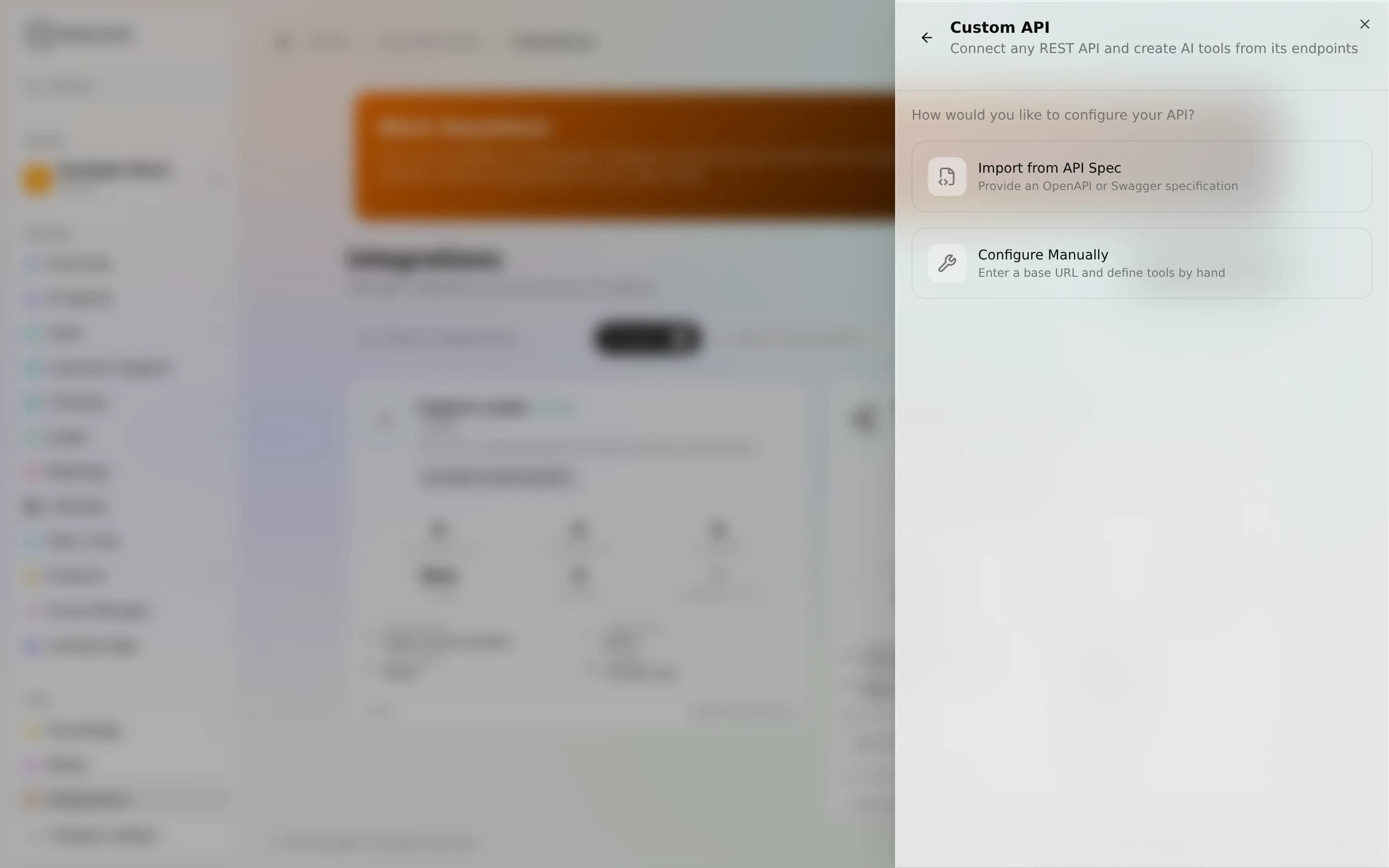
- Open Integrations, choose Custom API, and give it a base URL.
- Import an OpenAPI/Swagger spec (by URL or paste) to auto-discover endpoints, or configure tools by hand.
- Set authentication: Bearer, Basic, API Key, or none.
- Pick which endpoints to expose, test each one in the built-in panel, then Connect.
The real gotcha: the agent can only reach what you expose. Importing a spec lists every endpoint it finds, but only the ones you select become tools, and re-parsing the spec later picks up API changes without rebuilding from scratch.
Public vs private, per tool
Built-in integrations ship with a fixed public-safe/owner-only split. Custom tools flip that: you choose visibility per tool, either Public (public-safe, a website visitor can trigger it), Private (owner-only, internal channels only), or Both. Make safe read-only lookups Public; keep anything that writes or touches sensitive data Private.
Because tools are defined per instance, there is no fixed list or count. The surface is exactly what you build.
Worked example
Your orders live in an internal service with no built-in integration. You point a Custom API tool at https://api.internal.example.com, import its OpenAPI spec, and expose one read-only endpoint, get_order_status, as a Public tool. A visitor asks "where's order 4821?" and the agent calls it and answers with the live status. You keep the refund endpoint Private, so only staff-facing channels can reach it.
Limits
- Outbound only. The agent calls your API; your API does not call the agent.
- The agent uses the credentials you configure; it can never exceed what that API key is allowed to do.
- Removing the integration just detaches the tools. No changes are made to your external API.
Troubleshooting
- Spec won't parse. Confirm it's valid OpenAPI/Swagger and reachable; paste the raw content if the URL is gated.
- Authentication failed. Re-check the token, its prefix, and whether the key belongs in a header or a query parameter.
- Agent won't call the tool. Make sure the endpoint is selected/exposed and its visibility matches the channel. A Private tool won't fire on a public bot.
FAQ
Do I need to write code? No. Connect a REST API by spec or by hand, no code required.
Can it call any API? Any reachable HTTP REST endpoint you can authenticate to.
How many tools can I define? There's no fixed count. Build as many as you need.