Analytics & insights
An overview of your recent posts with a chat beside it, post and engagement metrics per network, a best-time heatmap, AI insight cards, and CSV/PDF export.
Analytics closes the social loop. After you plan, create, and publish, this is where you see how each post did, and feed that back into the next one.
plan  ->  create  ->  publish  ->  analyze  ->  engage
  ^_____________________________________________|
Everything here is read-only and gated by the view_analytics permission (see roles & permissions), separate from the manage_social permission that connects accounts and publishes.
What you can open
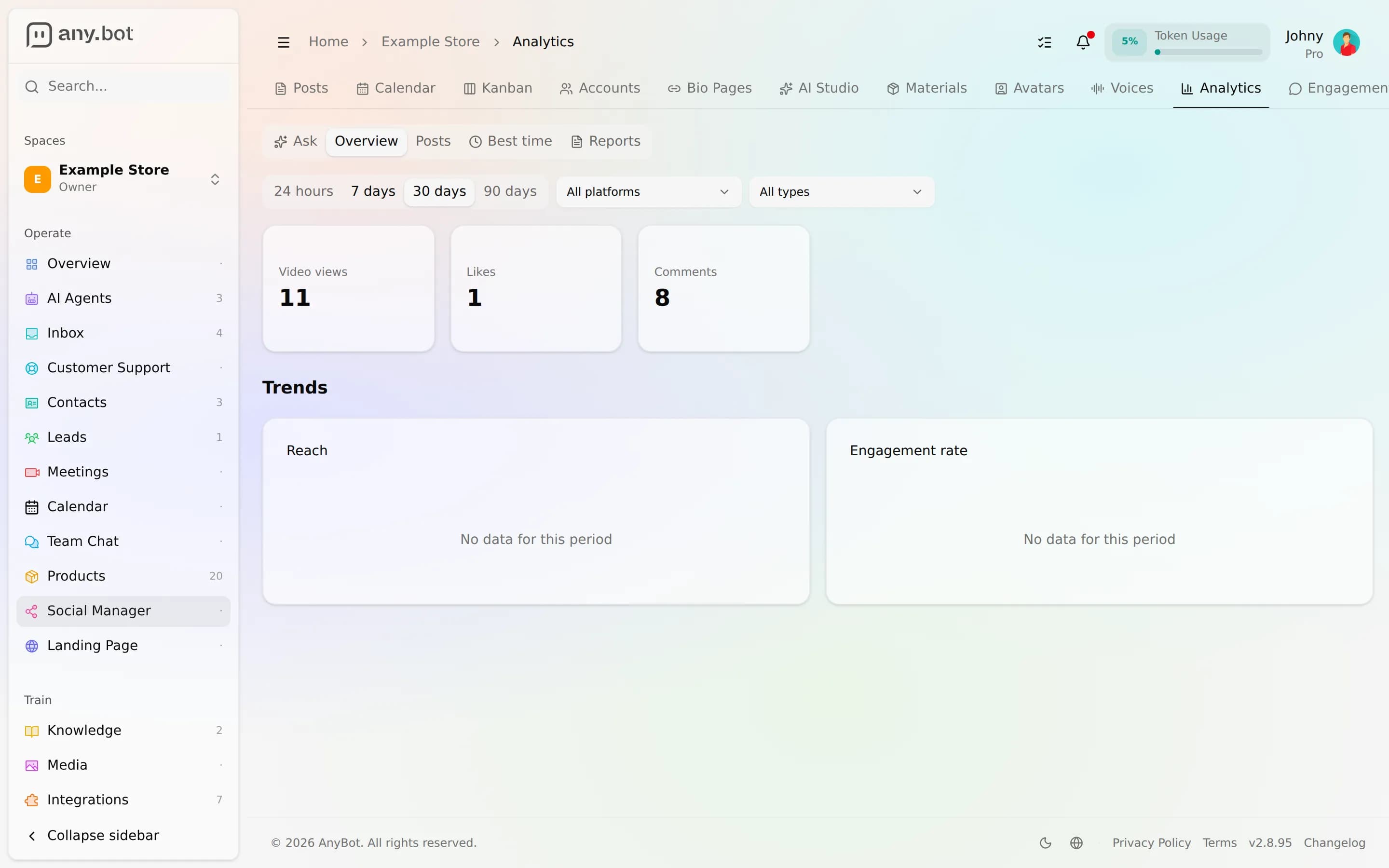
Analytics opens on an overview of your recent posts, with a chat beside it for questions about your results (see "Ask about your results" below).
Analytics has five tabs:
- Ask, plain-language questions about your results (see "Ask about your results").
- Overview, window totals with the change versus the previous equal-length window, plus AI insight cards.
- Posts, a per-post table, newest first, each with its own metrics.
- Best time, a day-by-hour heatmap of when your posts perform.
- Reports, download the numbers as CSV or PDF.
Every view shares the same controls: a date window (default the last 28 days), an optional single-network filter, and, on the time series, day or week buckets.
The metrics
For each published post AnyBot snapshots a canonical set of post-level metrics: reach, impressions, likes, comments, shares, saves, video views, and link clicks, plus a derived engagement rate.
Not every network reports every metric. A missing number is stored as unknown (not zero) and simply doesn't display, so what you see reflects what each network actually returns, never a false zero.
The engagement rate divides interactions by reach. When a network gives impressions but not reach, AnyBot falls back to impressions and marks the figure Est., so you never compare a reach-based rate against an impressions-based one by mistake.
Insights
Overview surfaces insight cards automatically, anomaly cards when a metric spikes or dips against its own baseline, and broader overview takeaways. Anomaly cards show the concrete facts: the metric, the observed value, the baseline, and the change; the broader overview takeaways are more qualitative. New cards can also arrive in real time.
Ask about your results
The chat beside the overview lets you ask about your results in plain language, "how did my posts do this week", say. You can also ask BotFather to look into engagement and analytics with you.
Best time to post
The Best time heatmap buckets your own posting history into day-of-week by hour-of-day cells and colours each by aggregate engagement, so you can see when your posts have historically landed best. Pass your time zone and AnyBot converts each publish time to your local clock first (DST-correct). It uses a longer default window (about 90 days) for denser cells and only shows hours you've actually posted in.
Reports
Reports exports the exact same numbers the dashboard shows. CSV gives you a flat spreadsheet of one dataset (overview, posts, or time series); PDF gives a formatted report with your overview and your most recent posts. Large post exports are capped and flagged when the export is truncated.
The re-consent caveat
Analytics needs read/insights scopes that publishing alone doesn't, Facebook's engagement read (which also needs the app's access review), YouTube's read scope, Instagram insights, and so on. If those weren't granted when you first connected, that network won't contribute numbers yet.
The Ask and Overview views are honest about this: any network that isn't reporting is listed with a reason, Not connected, Pending access review, or Reconnect needed.
Analytics draws from the networks that expose an insights API. Today Facebook and YouTube are actively reporting; Instagram needs a reconnect to grant its metrics scopes; and TikTok is connectable but its reporting is still being wired up. X, LinkedIn and Threads publish but don't report post metrics.