Using BotFather
A worked walkthrough, open BotFather, ask in plain English, watch it act step by step, and point it at exactly the agent or resource you mean.
Questa pagina non è ancora tradotta: viene mostrata la versione inglese.
BotFather is the AI operator built into AnyBot: you type what you want in plain English and it performs the real platform action, streaming each step as it goes. The load-bearing detail is that it is bounded. It acts only from an approved set of actions and never invents one. If a request is outside what it can do, it tells you instead of pretending.
Open it
BotFather lives in the top bar as the Ask BotFather button, click it to open the window. From anywhere in the app you can also toggle it with Cmd/Ctrl + J. Press Escape to minimize an open window; the button carries an unread dot when a reply lands while it is closed.
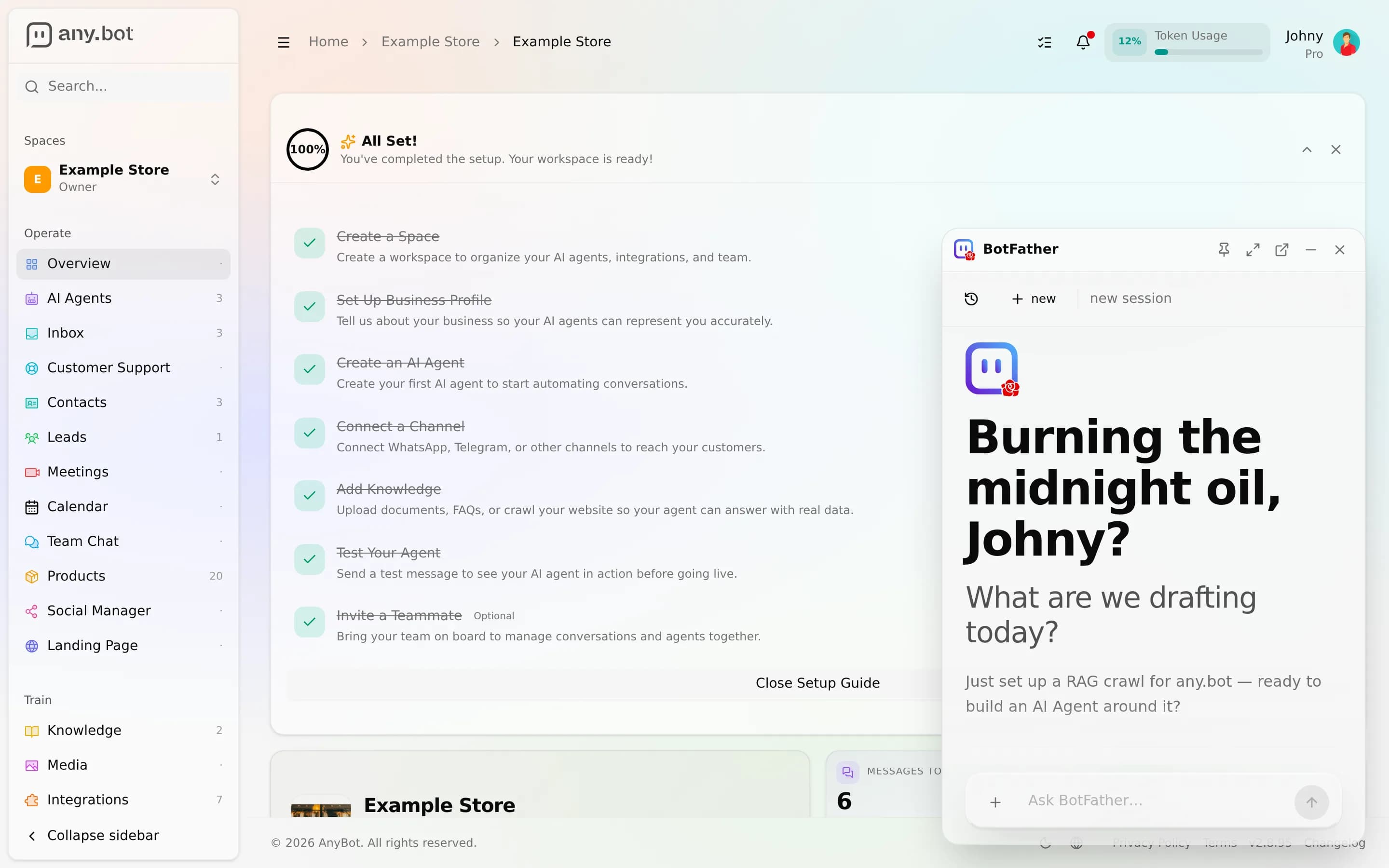
When you arrive it greets you and offers a few starting suggestions, for example "Help me create an AI Agent", "Show my recent conversations", or "What can you help me with?", so you are never staring at an empty box.
A worked walkthrough
- Ask directly. Type something concrete, e.g. "Create a support agent for my bakery and train it on my website."
- Watch the steps. BotFather shows each action as a labelled step, reading your workspace, creating the agent, applying settings, so you can see exactly what it does rather than trusting an opaque "the AI did it."
- Chain tasks in one breath. "Connect WhatsApp, then set that agent to answer there" runs as a sequence, each step visible.
- Attach context. It can read a page you point it at and read files you upload (up to 10 MB each) to ground what it does next.
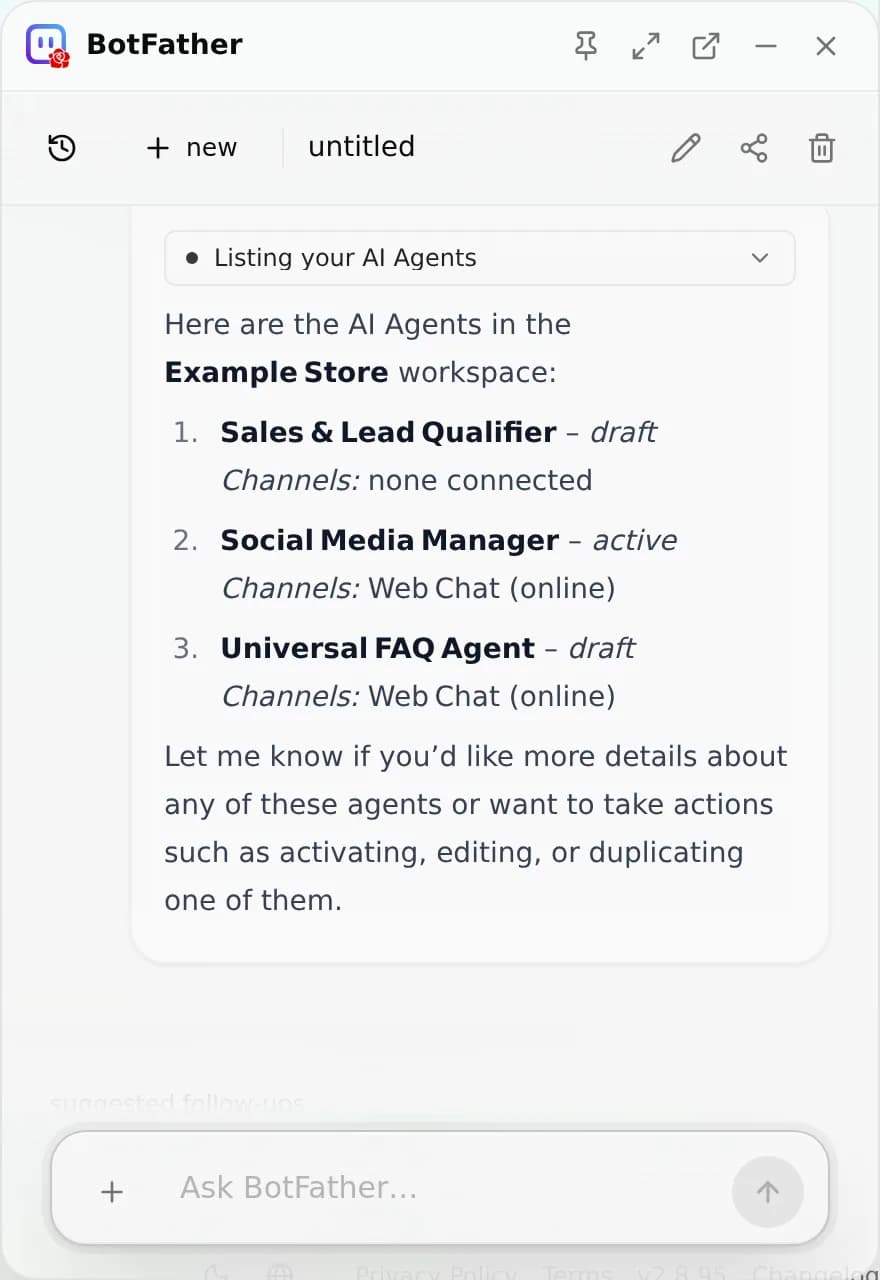
Point it precisely with the entity picker
Instead of describing which thing you mean, attach it. The Attach from your workspace picker lets you target a specific object so the request is unambiguous. Pickable types include:
- AI Agents, target one agent to configure or inspect
- Contacts and Leads
- Integrations, a connected addon or channel
- Files, an uploaded document or a Media Library item
Attach the entity, then ask your question, BotFather works against exactly that object.
Run several at once
BotFather is multi-session. Start a New Chat to run a parallel conversation; each is auto-titled from what you discuss, and you can rename, share a link to, or delete a session from its menu. Recent chats are grouped by date (Today, Yesterday, This Week, and so on) so you can jump back to earlier work.
What it will not do
Because the action set is approved and finite, BotFather declines cleanly when a request falls outside it:
- It creates and configures real objects (agents, channels, settings) through the platform API, always as you, with your permissions.
- It does not generate PDFs, and web search is not wired in the current build, if you ask, it says so rather than faking a result.
- It never takes an action you did not ask for, and it never invents an endpoint to satisfy a request.
Troubleshooting
- "Daily limit reached." BotFather messages are metered per day by plan. Wait for the reset or upgrade your plan for more daily usage.
- "File is too large." Uploads are capped at 10 MB per file, attach a smaller file or split it.
- It says it can't do something. That is the design working: the action is outside its approved set. Do the step manually in the relevant screen, or rephrase toward something it does support.
- Nothing happens on Cmd/Ctrl + J. If your cursor is in a text field, the shortcut still toggles the window; click the Ask BotFather button if a browser extension has claimed the key combo.
FAQ
Will it do something I didn't ask for? No. It acts only on approved actions and shows each step.
Can it make things up? No, if it can't perform an action, it tells you instead of inventing one.
Does it act with more access than I have? No. It calls the platform as you, bound by your role's permissions.
Next
Che cos'è BotFather?
BotFather è l'operatore AI integrato in AnyBot, gestisce la piattaforma per te in linguaggio naturale, compie l'azione reale, mostra ogni passaggio e agisce sempre e solo a partire da un insieme approvato di azioni.
Limiti e sicurezza
Cosa BotFather non farà, agisce solo a partire da un insieme di azioni delimitato e approvato, sempre con le tue autorizzazioni, e ti dice chiaramente quando una richiesta è fuori da ciò che può fare.