Memory
Agents have two kinds of memory, durable long-term memory you build by training, and short-term memory that holds context inside a single conversation.
Esta página ainda não foi traduzida, exibindo a versão em inglês.
An AnyBot agent has two kinds of memory. Long-term memory stores durable facts about your business that carry across every conversation the agent has. Conversation memory holds the context of a single chat (what was just said, and which things the agent already looked up) so it never re-asks something the customer answered a moment ago. Together they make the agent feel like it genuinely knows your business rather than starting cold each time.
Long-term memory
Long-term memory is a list of clean, standalone facts attached to one agent: its offerings, policies, tone preferences, and the small things a new hire would need to be told. Every fact is injected into the agent as internal context on every reply, so the agent answers from what it knows without you re-explaining. Memory is scoped to that single agent and lives independently of any one conversation; clearing a chat never touches it.
There are two ways facts get in:
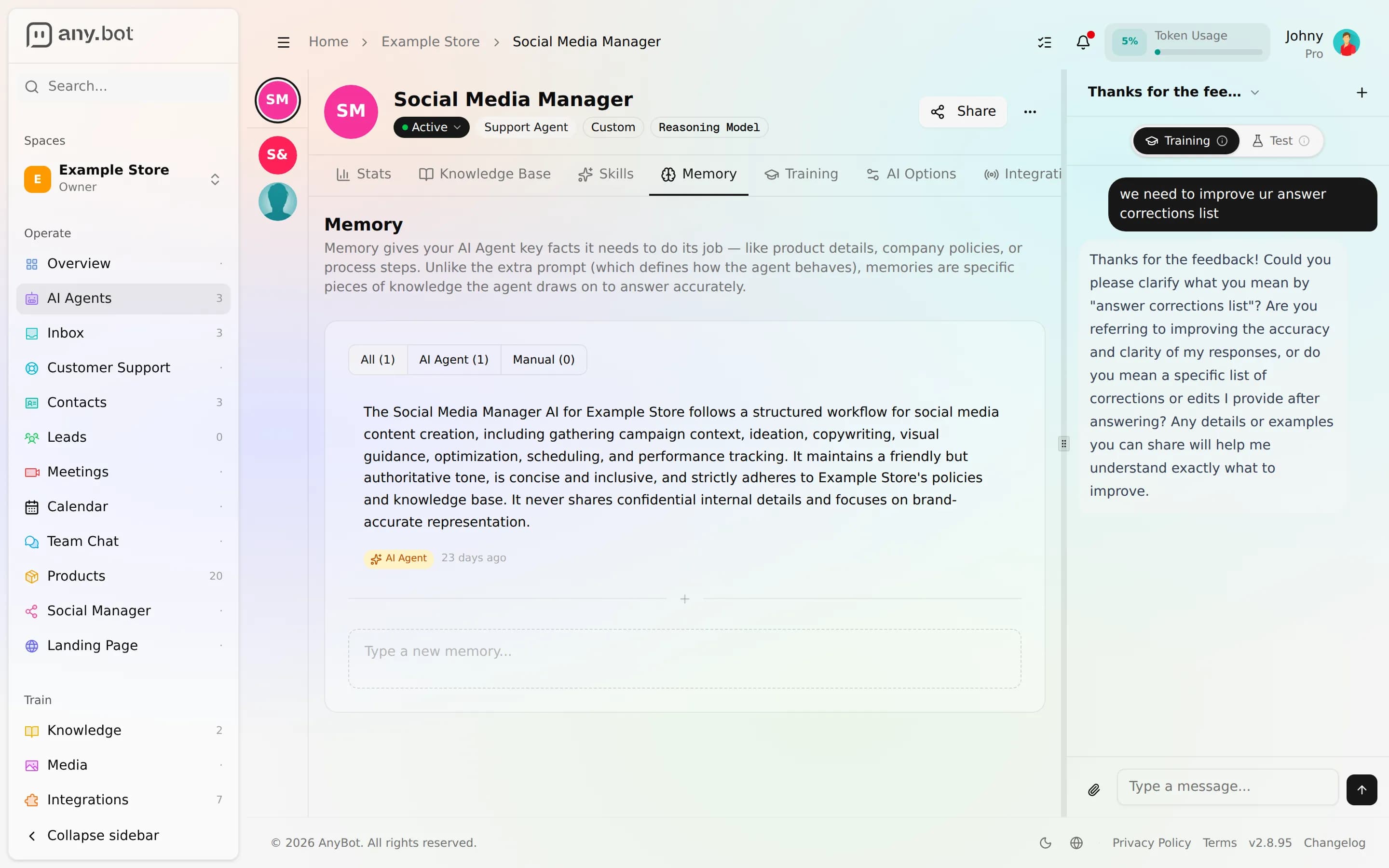
- You add them directly. The Memory tab in the agent editor lists everything the agent remembers and lets you add, edit, or remove entries by hand.
- The agent saves them itself while you train it. When you chat with the agent in Training mode, it treats you as a manager and records the durable facts you teach it, rephrased into clean standalone notes, never your raw wording. Entries the agent wrote itself are tagged so you can tell them apart from ones you added.
Memory is strictly internal: the agent uses it to answer but never quotes it, mentions it, or reveals "what it remembers" to an end user. It also won't store secrets like API keys or passwords unless you explicitly tell it to. Because every fact is carried on every turn, the injected set is bounded: newest facts win, and when an agent accumulates a lot, older entries are summarized rather than dropped silently.
Training mode: chat as a manager
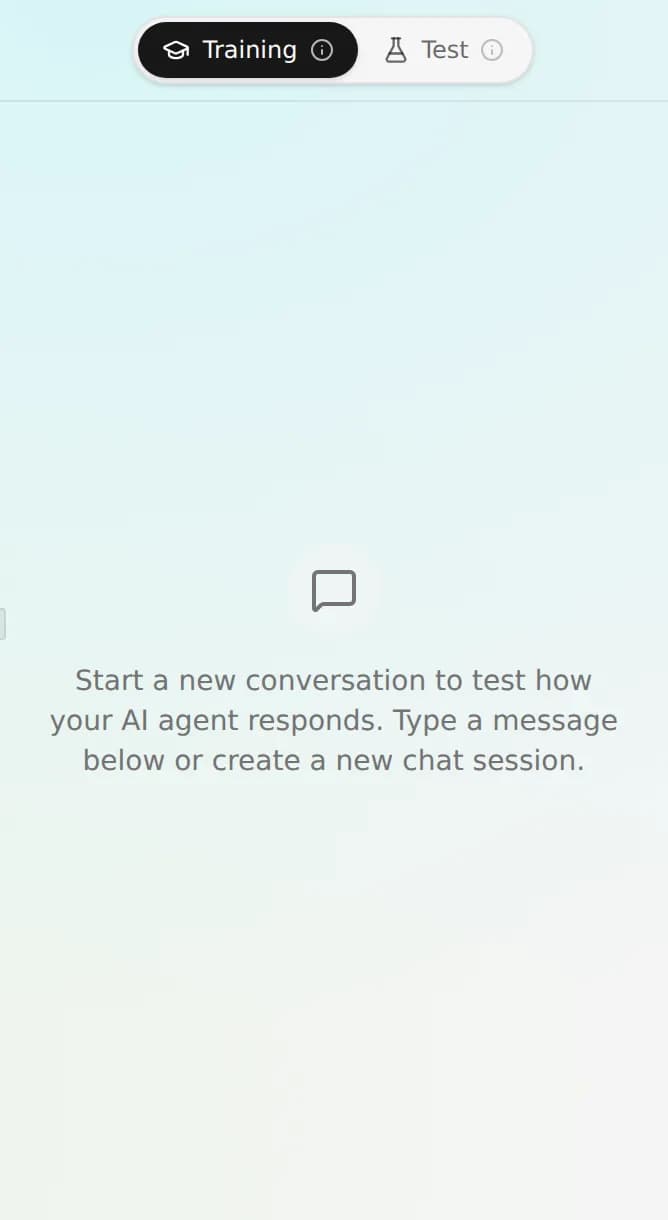
The Chat with Agent panel (a side panel on wide screens, a Chat button on narrow ones) has a toggle at the top:
- Training: you are the manager. Teach the agent, correct it, and it saves what it learns to long-term memory.
- Test: a dry run of the real customer experience. The agent reads its memory but cannot write to it, exactly as it behaves for a live visitor.
Worked example. Open your agent, switch the chat panel to Training, and type: "We're closed on public holidays, and refunds are handled by email only, never phone." The agent acknowledges and saves two facts. Open the Memory tab and you'll see both entries, marked as noted by the agent. Now switch the panel to Test (this needs the Webchat channel enabled on the agent) and ask, as a customer would, "Can I get a refund over the phone?" The agent answers from memory that refunds go by email, without you wiring anything up. You didn't touch a settings form; you just told it, the way you'd tell a colleague.
Conversation memory
Inside a single conversation the agent keeps two short-term threads. The first is the running transcript: the recent back-and-forth is replayed on each turn so the agent stays coherent and doesn't ask a customer to repeat their name or their order number.
The second is a quiet side-channel of things the agent already found this chat. When a reply pulls up a specific document, folder, spreadsheet, or social post, the agent keeps that item's identity (its name paired with its real reference) for the rest of the conversation. So when the customer says "open that one" or "the file you just mentioned", the agent reuses what it already has instead of searching again or, worse, asking the customer for an internal ID they'd never know. This is identity only, not a snapshot: if the underlying item changes, the agent still fetches fresh details; it just doesn't have to rediscover which item you meant.
Conversation memory is scoped to that one conversation. Starting a new chat (or resetting the current one) gives the agent a clean slate. Long-term memory stays intact.
What memory is not
- Not the knowledge base. Documents, pages, and files you want the agent to search live in the knowledge base. Memory is for a handful of durable facts and instructions, not a document store.
- Not answer corrections. Fixing a specific bad answer with the right one is a separate, higher-signal mechanism. See versioning & feedback.
FAQ
How do I teach it something permanent? Chat in Training mode and just tell it, or add the fact yourself in the Memory tab. Both land in long-term memory.
Does it remember across conversations? Long-term memory does. Conversation memory is per-chat and clears when the conversation resets.
Will it repeat memory back to customers? No, memory is internal context the agent answers from, never something it quotes or names to an end user.
Next
Base de conhecimento
Treine um agente nos seus documentos e no seu site para que ele responda apenas a partir do seu conteúdo, nunca inventado.
Behavior & guardrails
Tune how an agent answers, creativity, blocked topics, out-of-scope handling, human handoff, and PII redaction, from the AI Options tab, plus the always-on backstops.