One line in. A finished video out.
AnyBot Motion is an AI video generator for social media. Pick a template and tell your AI Agent what the video is about: it writes the script and the voiceover, you add your photo and price, and out comes a finished motion video with animated captions, music and your brand colours, ready for Reels, TikTok and YouTube Shorts.
- Reels · TikTok · Shorts
- Ready-made templates
- AI voiceover
- Animated captions
- 6 languages
We're launching the Aurora Cold Brew Kit: single-origin beans, 12-hour brew, no bitterness, keeps two weeks in the fridge. Casa Aurora, shop online.
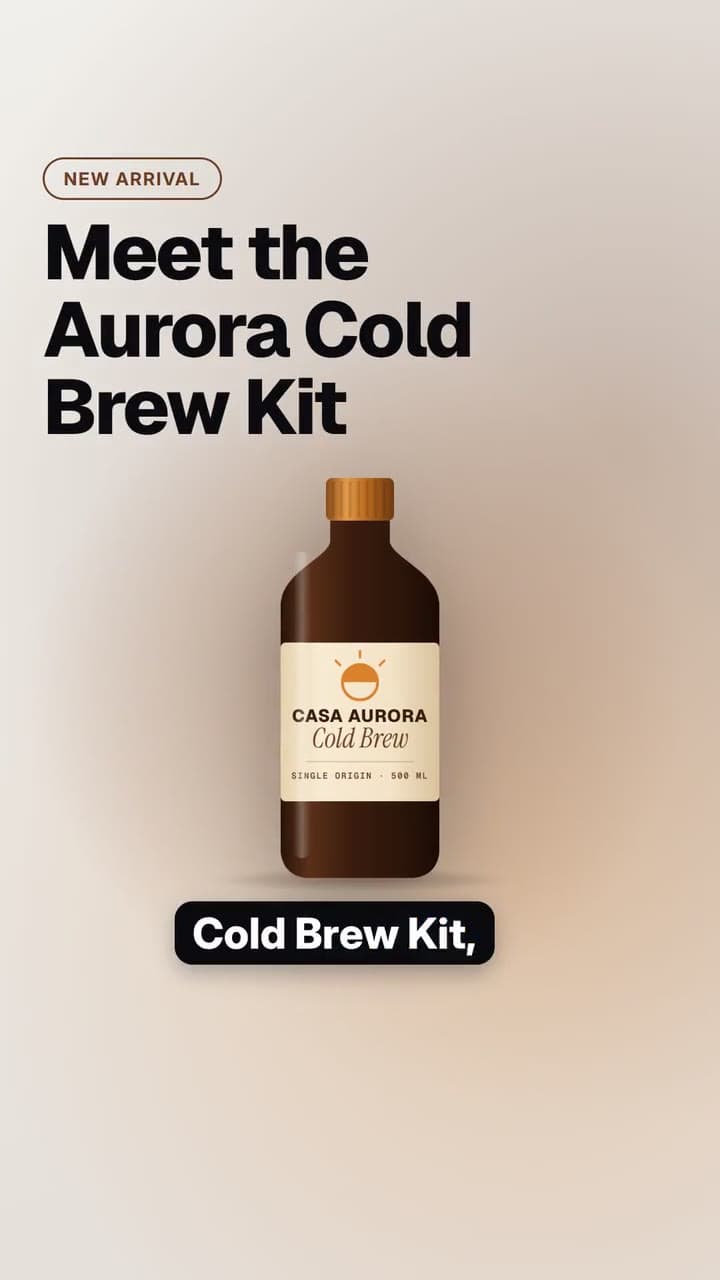
- IntroMeet the Aurora Cold Brew Kit, our smoothest coffee yet.
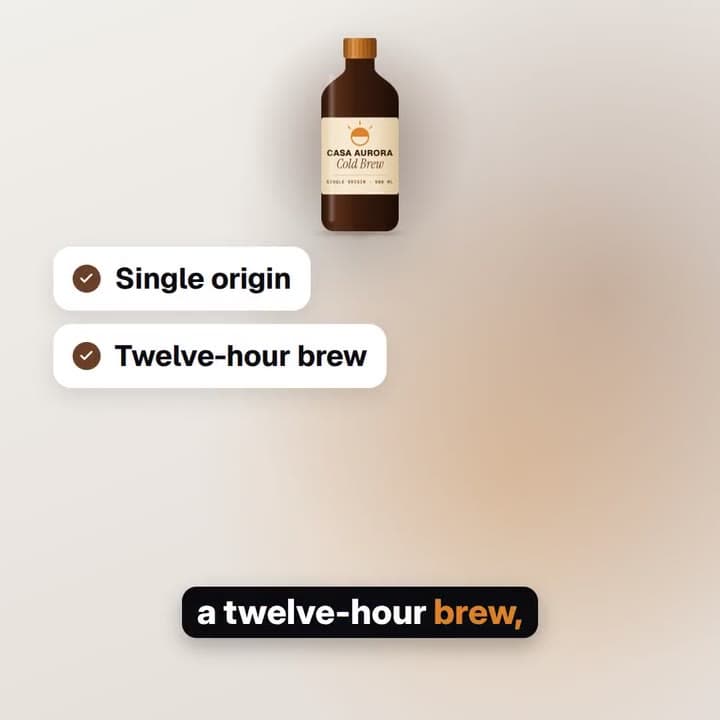
- FeaturesSingle origin beans, a twelve-hour brew, zero bitterness, and it keeps for two weeks.
- BenefitSlow-brewed flavour, ready whenever you are.
- End cardShop the kit today at Casa Aurora.
Real render · sample brand Casa Aurora Coffee, in English
A pick from the template library
Browse the selectionHow it works
How to make a social media video with AI, in four beats
No camera and no editing timeline. You stay in charge of the facts; your AI Agent does the writing, and AnyBot does the production.
Write one line
Pick a template and a voice, then say what the video is about, the way you would tell a colleague.
Your AI Agent writes it
A headline, feature words and a voiceover split per scene, all fitted to the template's limits. Only facts from your brief: never an invented price, date or claim.
Preview it, then approve
Add your product photo (or generate one), set the price and the end date, and watch the real video update as you edit. Approve when it looks right.
Post it everywhere
The finished video lands in your media library and goes straight into a post in Social Manager: schedule it, queue it or publish it now.
Every format
One brief. Every format, from Reels to YouTube.
Make vertical videos for Instagram Reels, TikTok and YouTube Shorts (9:16), square posts for the feed (1:1) and wide videos for YouTube and your website (16:9). Each format is laid out on its own: text, product and captions move to where they read best, instead of being a crop of the same frame.
Story / Reel · Reels, Stories, TikTok, Shorts
The Product launch template, rendered in all three formats from the same brief.
Templates
A pick of templates, each with its own look
Each template is a complete look, from bold poster cuts to editorial covers and split-flap boards. Here is a selection from the library. Pick a use case and a format, then point at a card or tap play to watch the real render. Every template is designed and checked before it joins the library: text that always fits, safe zones clear of each app's buttons, readable contrast and levelled sound.
15 of 15 in this selection
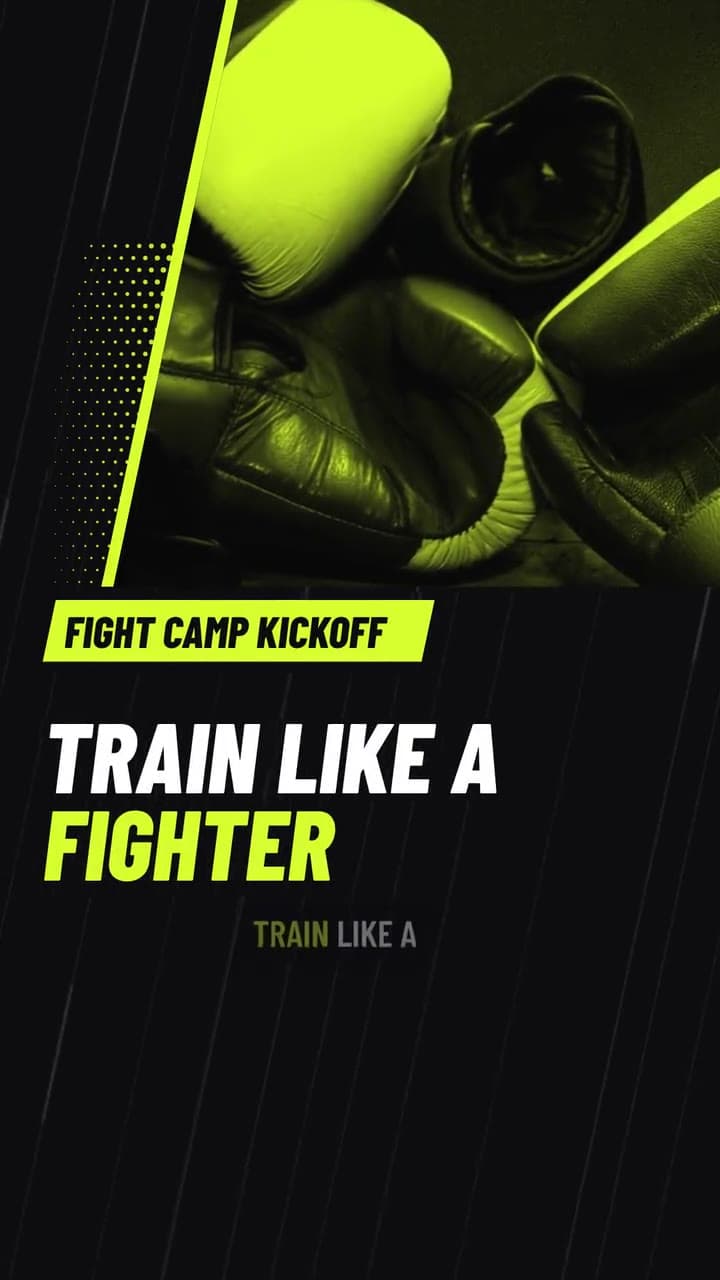
Sport Slash
Sport kickoff Events
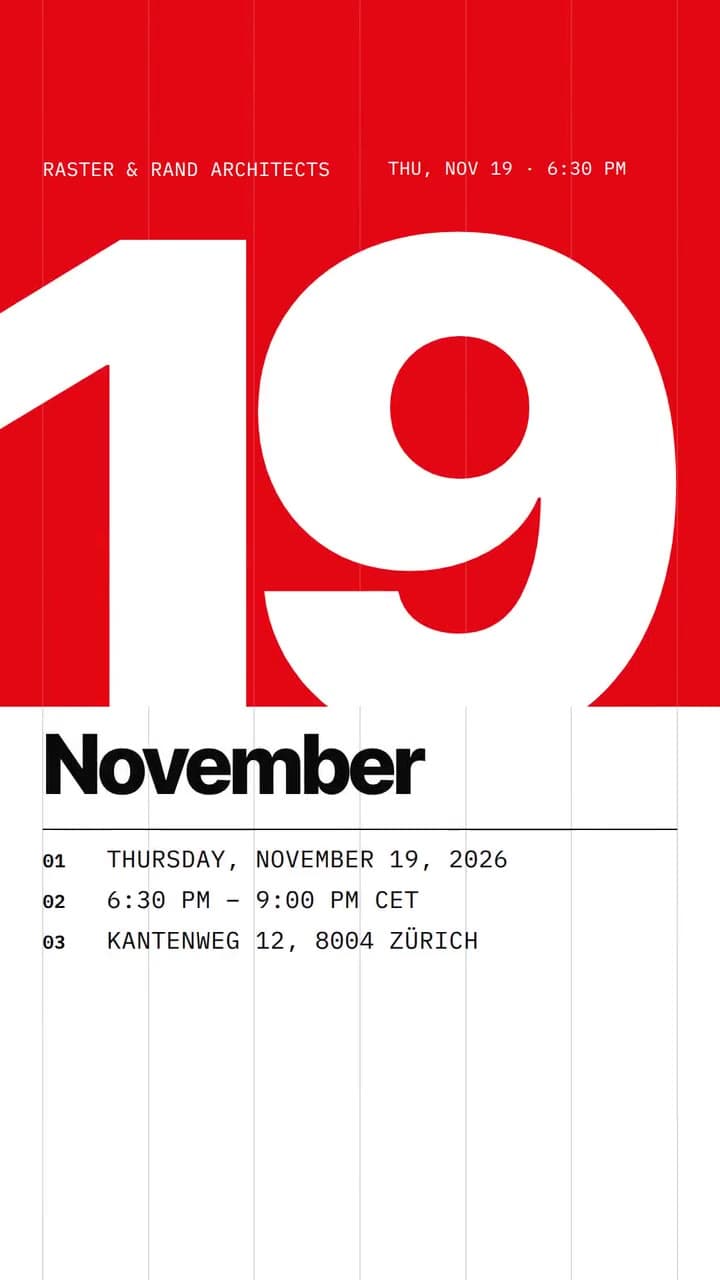
Swiss Grid
Event card Events
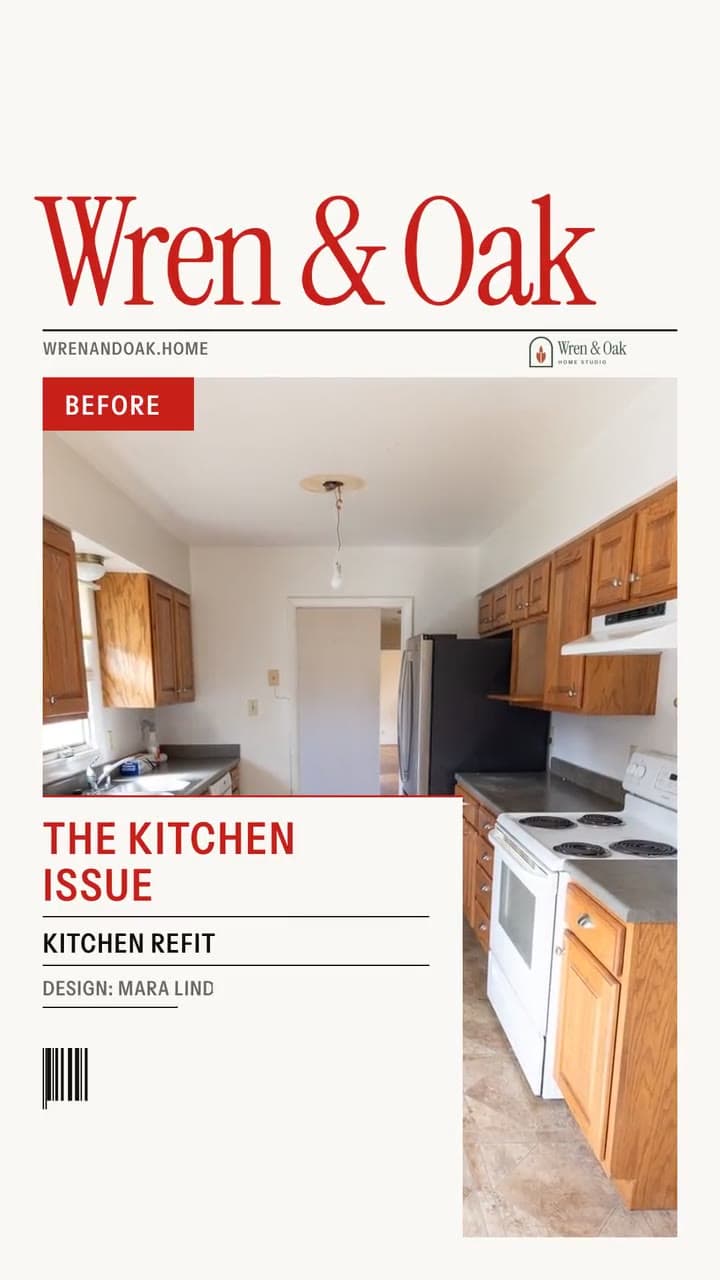
Cover Story
Makeover cover Before & after
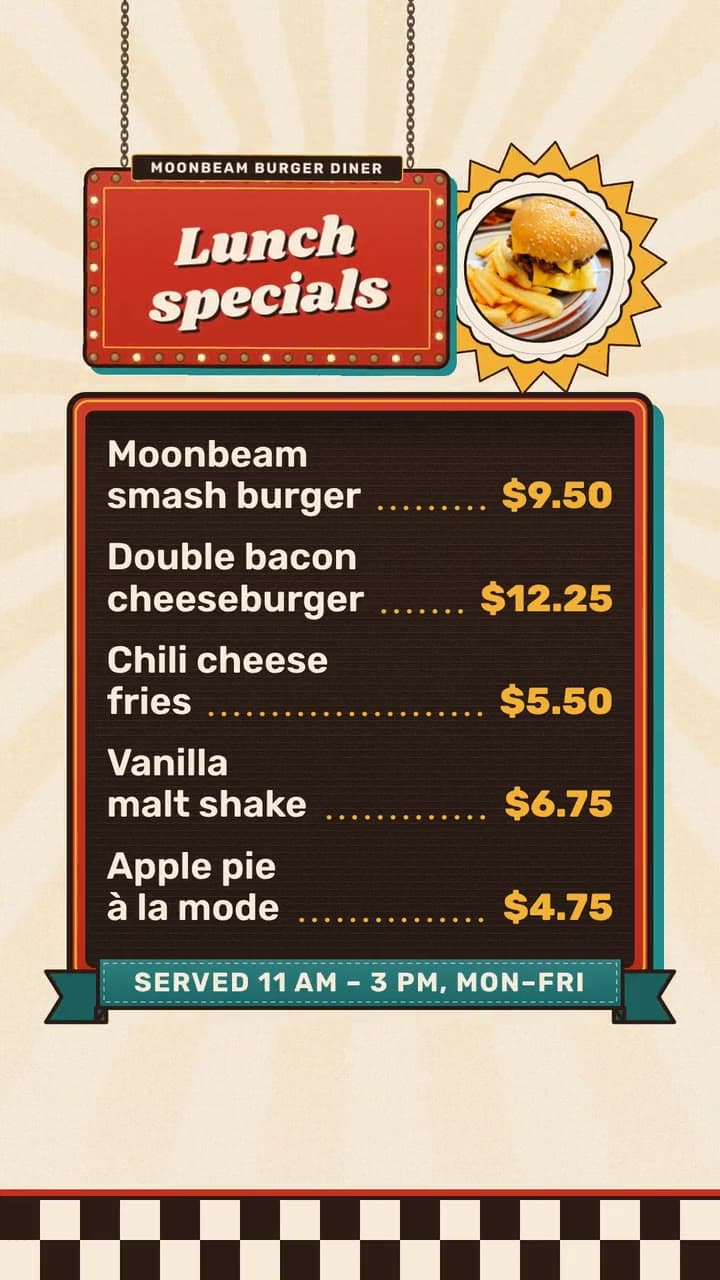
Diner & Neon
Diner menu Menus
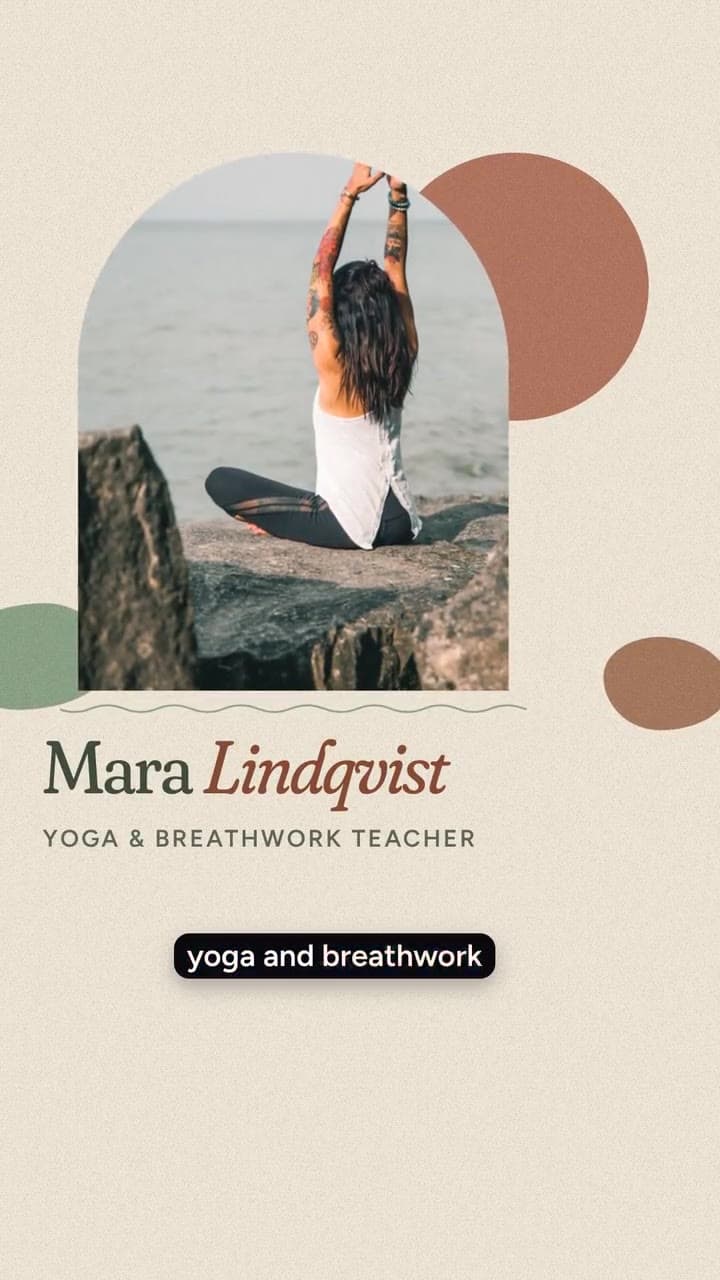
Earth & Arch
Meet the person People
Product launch
Launches
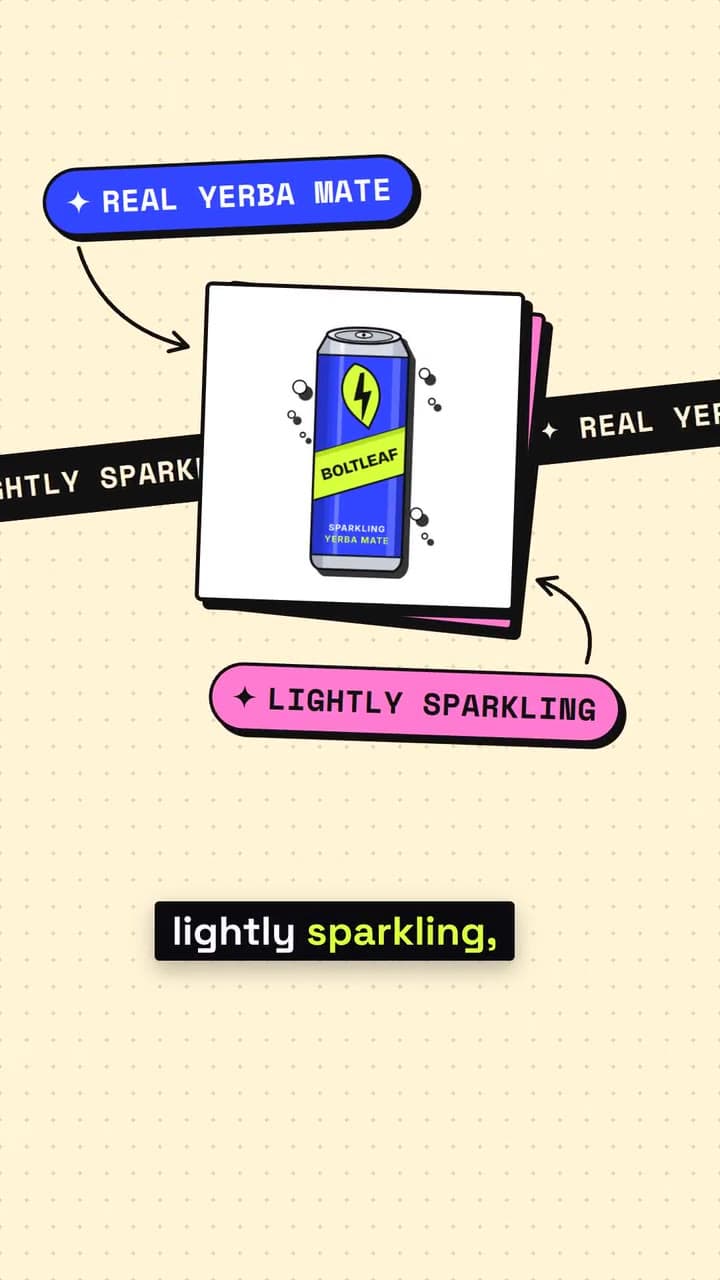
Neo-Brutal Pop
Bold product Launches
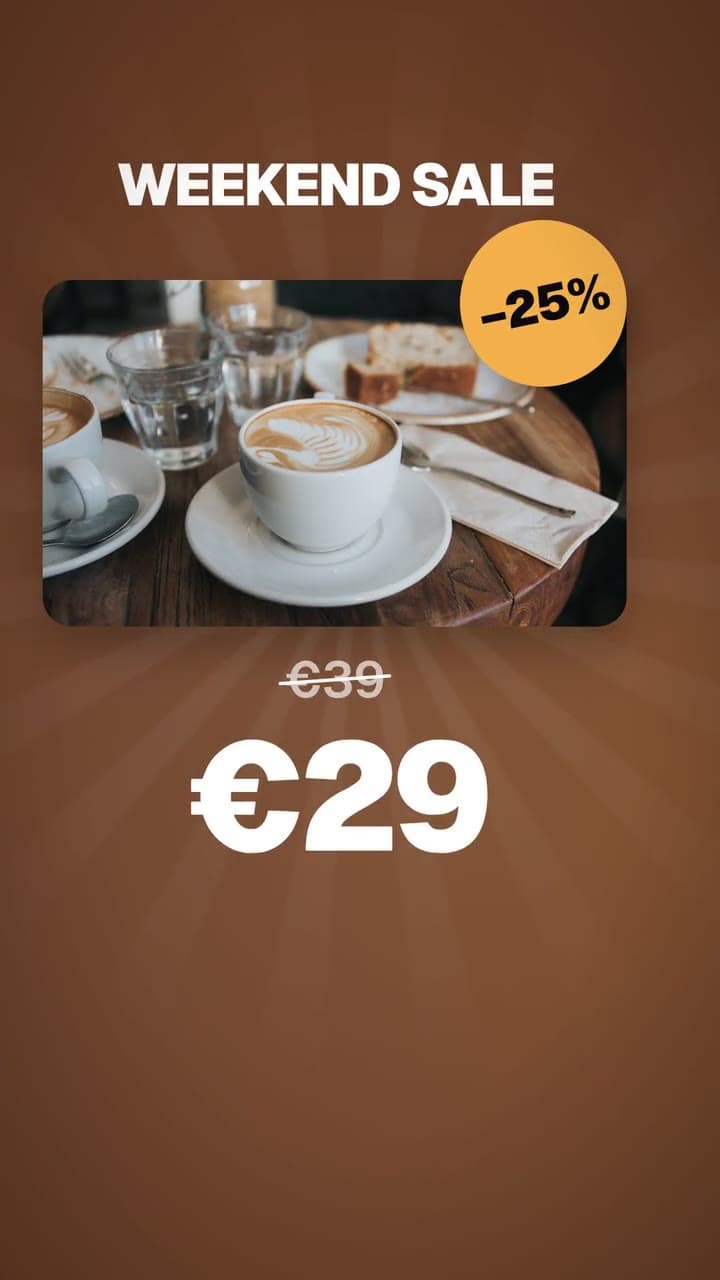
Promo / offer
Promos & offers
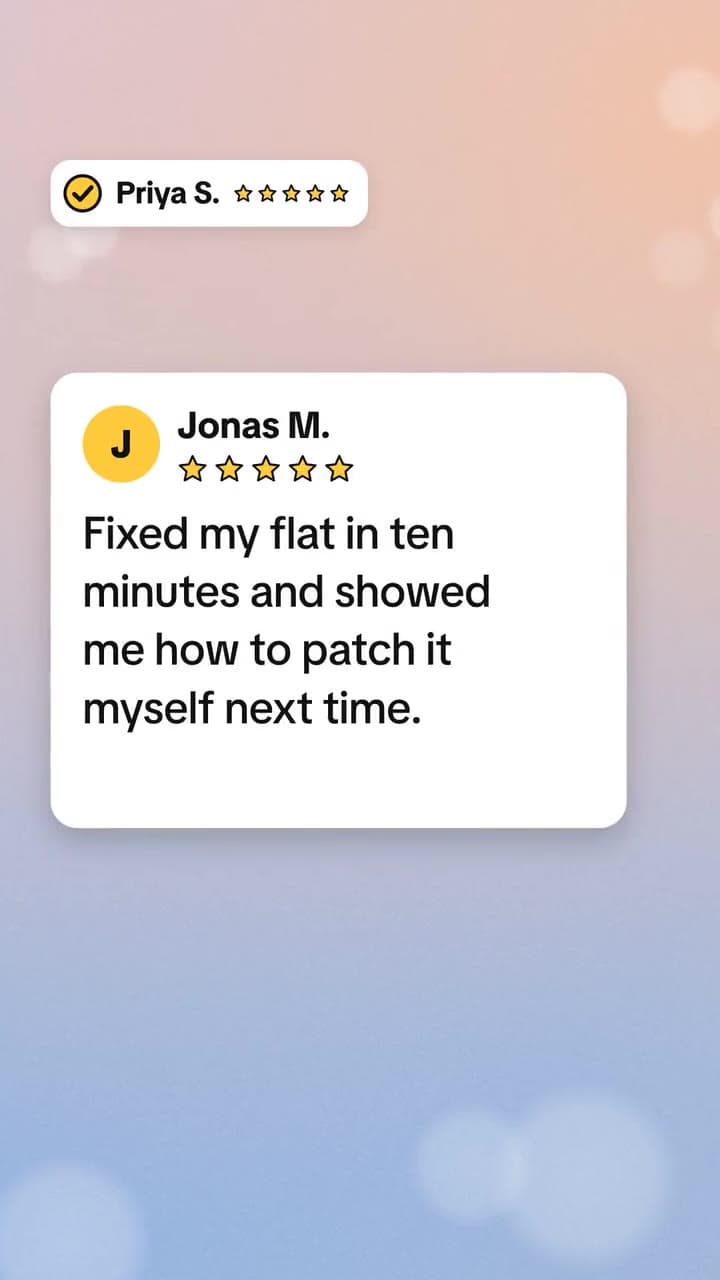
Native Notes
Native review Reviews & social proof
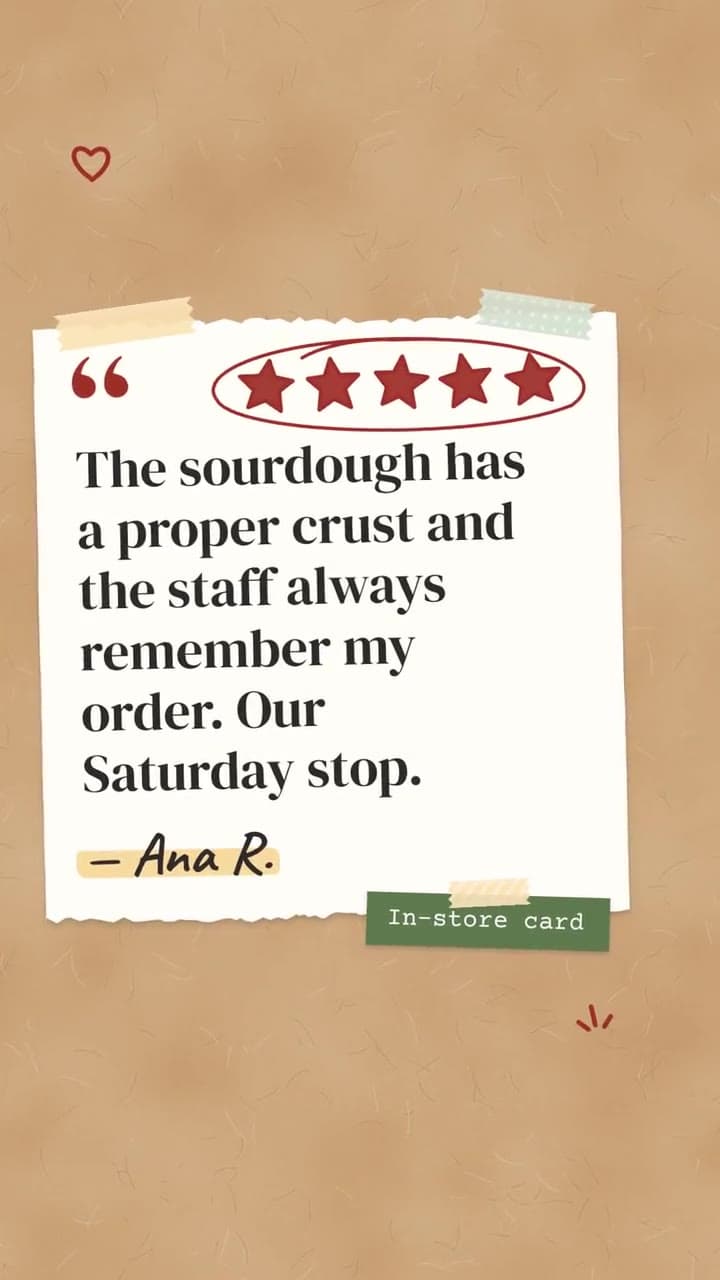
Scrapbook
Scrapbook reviews Reviews & social proof
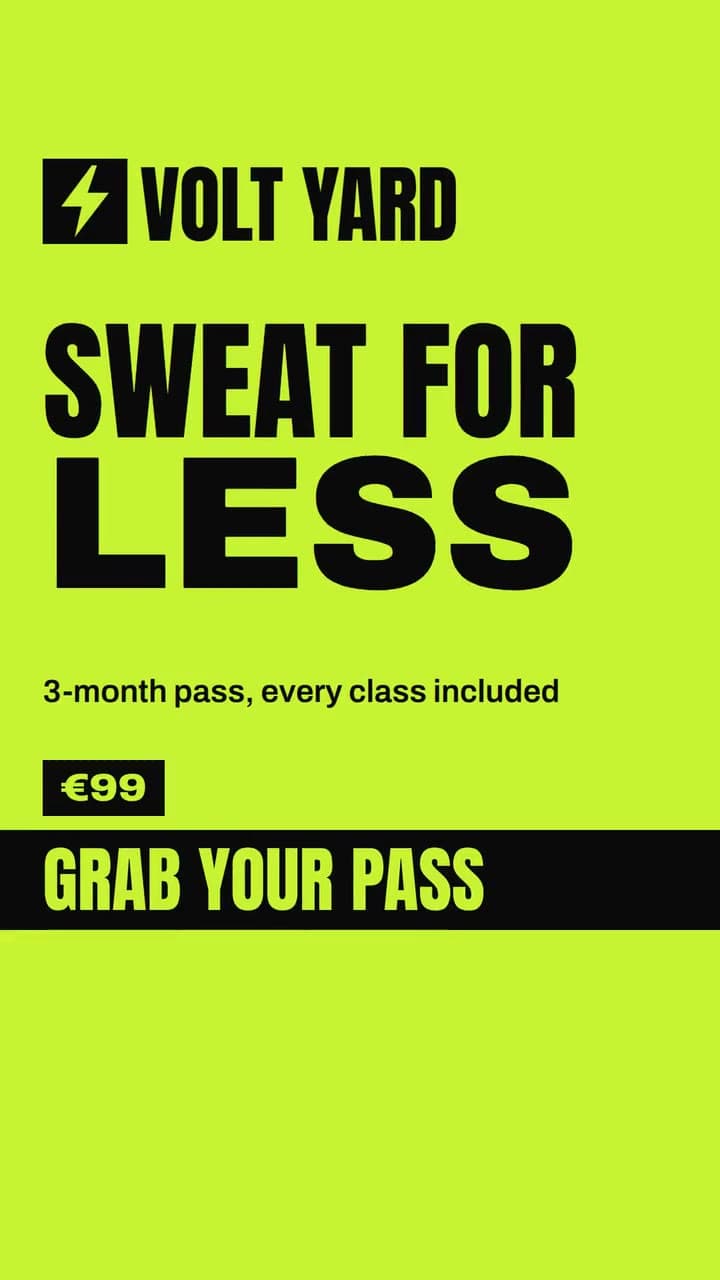
Poster Punch
Poster sale Promos & offers
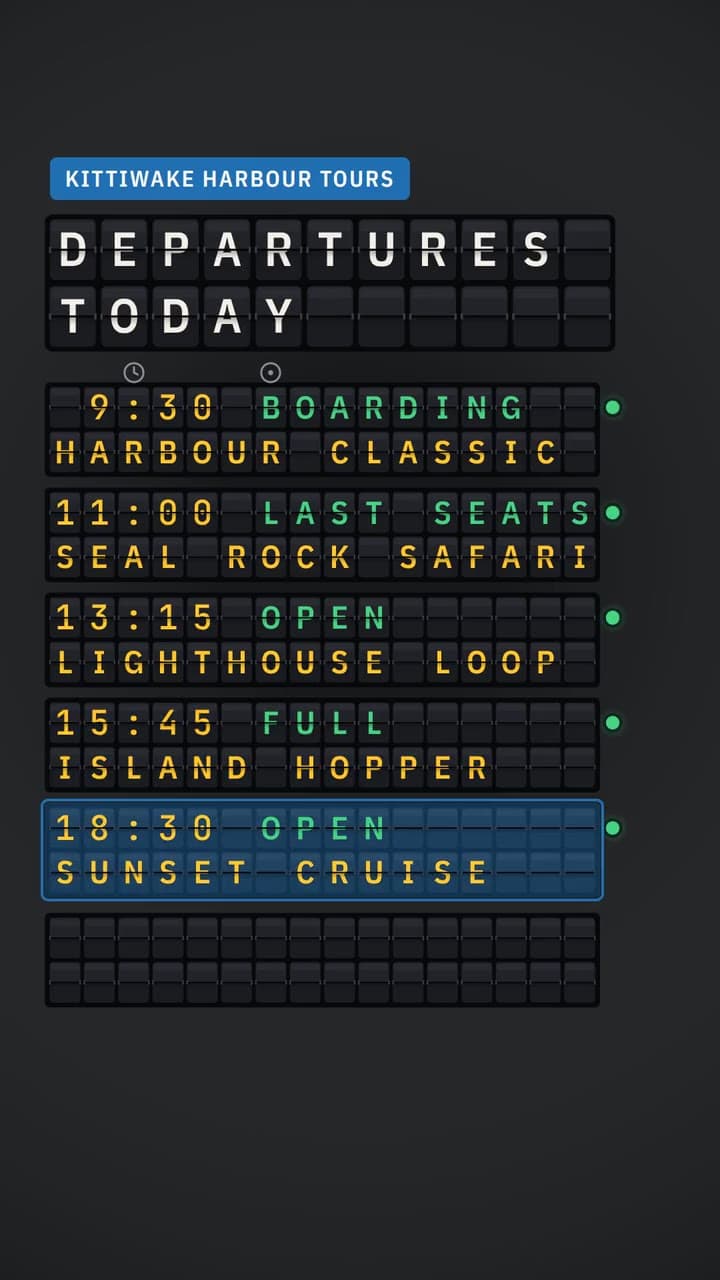
Departure Board
Departure board Schedules
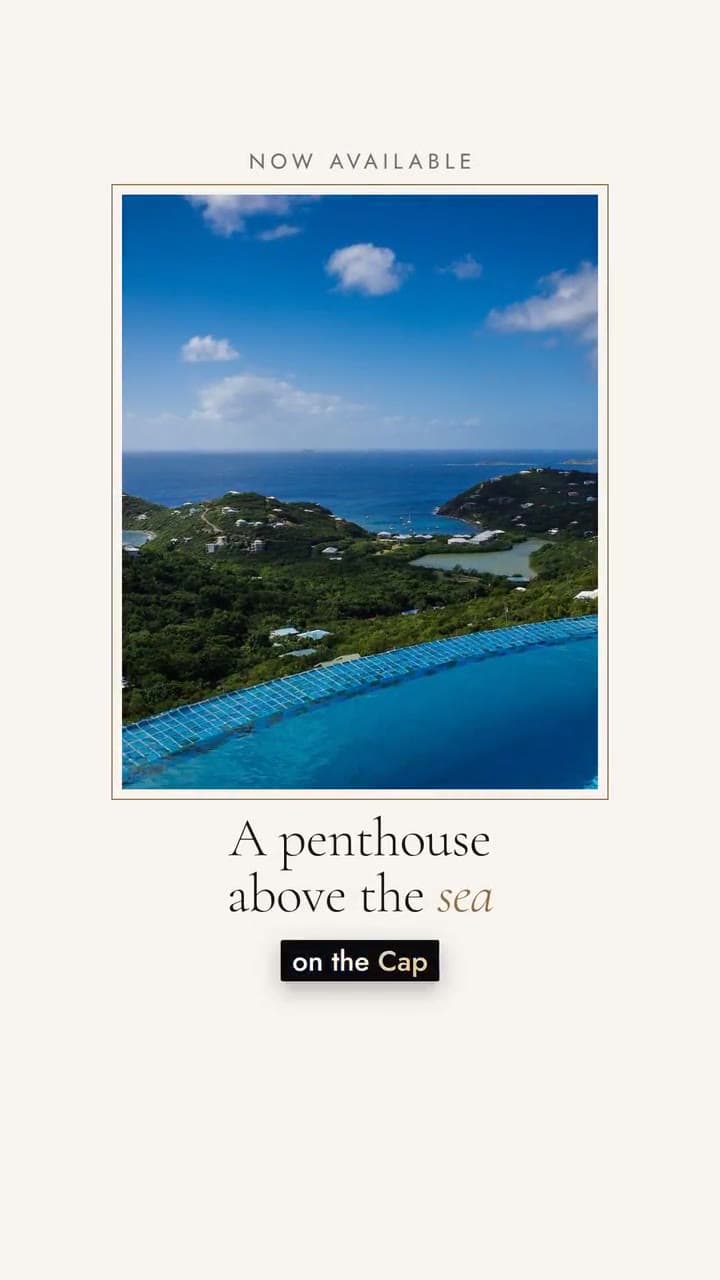
Atelier
Luxury showcase Showcases
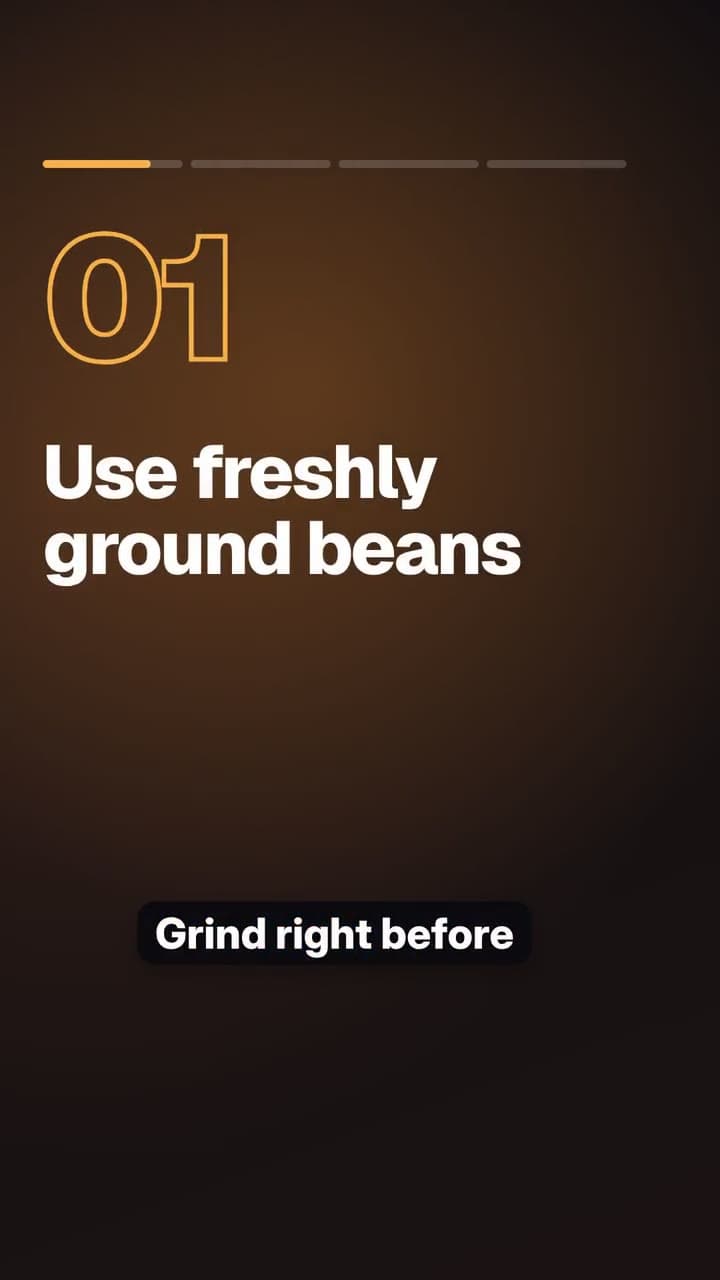
Tips / listicle
Tips & education
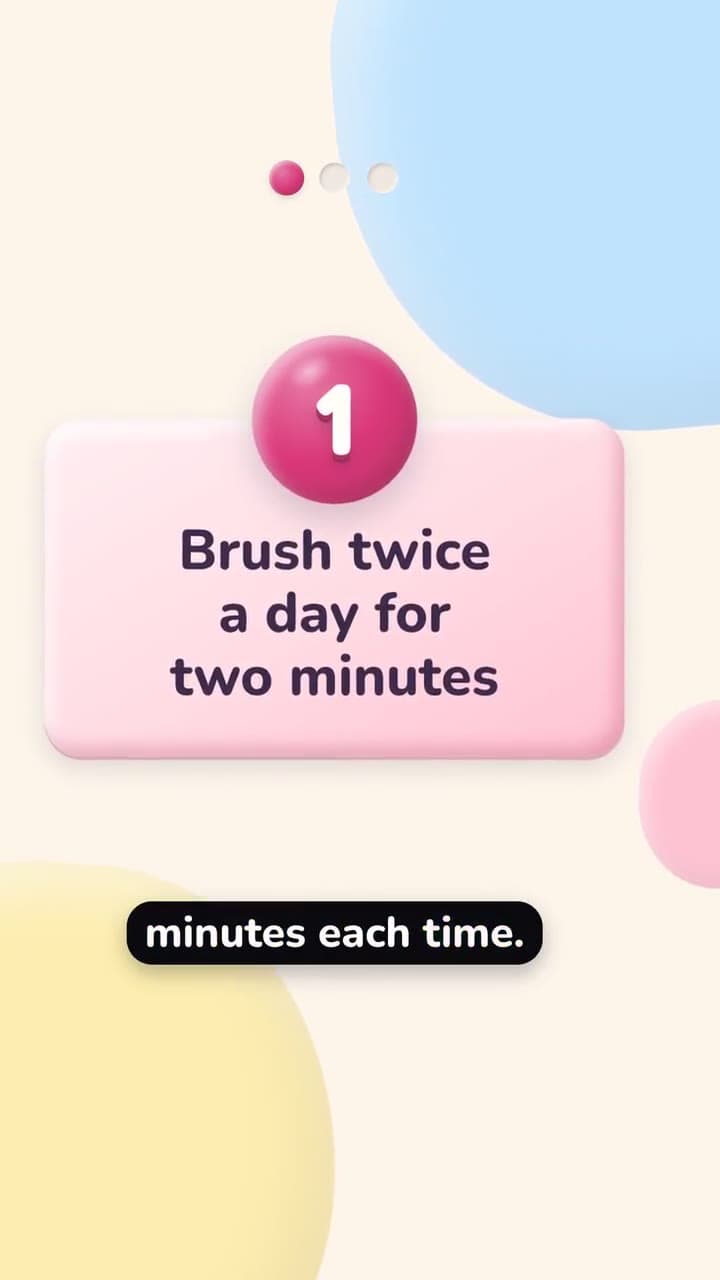
Toybox Clay
Playful tips Tips & education
Examples
AI videos for the way you sell
Product drops for online shops, menus for restaurants, pass sales for gyms, listings for real estate, real reviews for local services, and more. Real briefs, and the real video each template makes of them.
Launch a product drop
The brief
We just dropped Boltleaf Sparkling Mate: real yerba mate, lightly sparkling, zero sugar. Shop online at boltleaf.com.Your AI Agent writes
- Headline: Meet Boltleaf Sparkling Mate
- Three feature words, read aloud in order
- Tagline: Clean energy that tastes like summer.
You add
- Your product photo, or one generated with AI
- Your button: Shop the drop
Also fits
- Product launch
- Promo / offer
- Poster salePoster Punch
The video
Sample business: Boltleaf. The examples are in English; your own videos are written in your language.
Or just ask
Ask for a video in chat
Your agent can make a video when you ask for one in chat. It drafts it from your words and hands you the preview to approve.
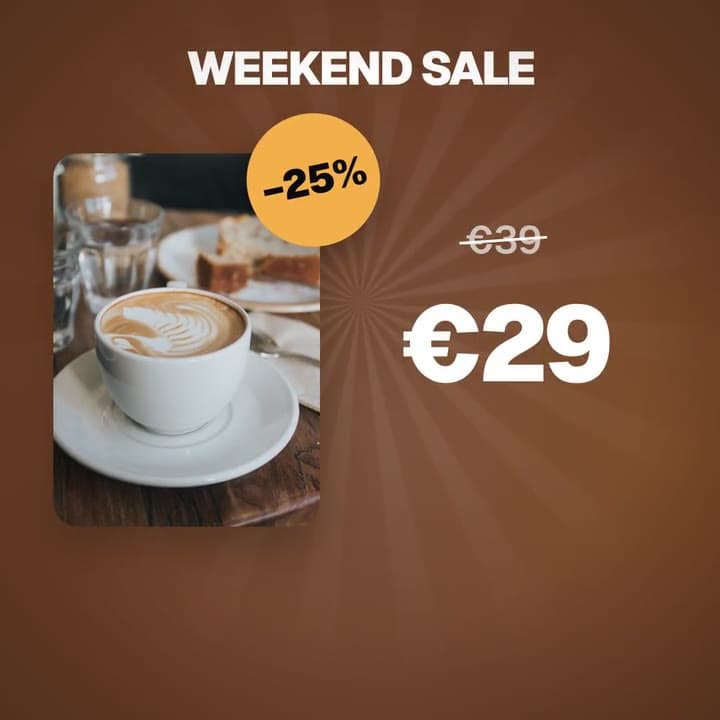
Make me a promo video for this weekend's sale on our cold brew kits.
Here's a draft with the Promo / offer template: “Weekend sale. Our cold brew kits, this weekend only.” Add the price and the end date, then preview it and approve when you're happy.
Why it works
Studio quality, without the studio
Multilingual videos, in your language
Your AI Agent writes the on-screen text, the captions and the voiceover in English, French, Italian, Portuguese (Brazil), Spanish or German.
Facts only, never invented
It uses what's in your brief and nothing else. Prices, dates and photos are yours to add, so a video never promises something you didn't say.
On-brand by default
Colours and logo come from your brand kit, and every line of text is checked for contrast against what's behind it, so your videos stay readable.
Animated captions for sound-off viewing
Word-by-word subtitles follow the voice, so the video still works muted in the feed.
AI voiceover and music, mixed for social
Pick from 10 natural AI voices. A music bed sits under the voice and ends on the final frame, and the whole mix is levelled to broadcast loudness.
Real reviews and real people, only
Reviews, quotes and before-and-after photos are always real: you enter them word for word, with consent. The agent writes around them, never the reviews themselves.
Works with the rest of AnyBot
FAQ
Questions about AnyBot Motion
What is AnyBot Motion?
AnyBot Motion is an AI video generator for social media, built into AnyBot. You pick a template and write one line about the video; your AI Agent writes the on-screen text and the voiceover, and AnyBot renders a finished motion video with animated captions, music and your brand colours.
What kinds of templates are there?
Templates for product launches, promos, reviews, events, tips, showcases, menus, before-and-after, people and schedules, each with its own look. This page shows a selection of them, and most of the ones here come in all three formats.
What formats can I make?
Story / Reel (9:16) for Reels, Stories, TikTok and Shorts, Feed (1:1) for feed posts, and Wide (16:9) for YouTube and websites. Each template shows the formats it supports, and each format is laid out on its own.
Can I make faceless videos for TikTok, Reels and YouTube Shorts?
Yes. AnyBot Motion videos need no presenter and no camera: they combine motion graphics, your product photo, an AI voiceover and animated captions, the format faceless short-form channels are built on.
Does it add captions automatically?
Yes. Every video with a voiceover gets word-by-word animated captions, timed to the voice, so it works with the sound off.
Do I need video editing skills?
No. There is no timeline to edit: your AI Agent writes the script, the template handles the animation, and you review the preview and approve.
Which languages can it write in?
English, French, Italian, Portuguese (Brazil), Spanish and German. Your AI Agent writes the on-screen text and the voiceover in the language of your video, and the captions follow the voice.
Can I change what the agent wrote?
Yes. Every field is editable before you approve, with a counter for each limit, and you can ask the agent to rewrite a field. The preview updates as you edit.
Does the agent ever make things up?
No. It only uses facts from your brief. It never writes prices, dates, numbers or claims you didn't give it, and the price, the end date and the photo are fields only you fill in.
Can the agent write reviews or testimonials?
No. Reviews, testimonials and people's quotes are always entered by you, word for word, with consent. The agent writes the hook and the button around them, never the reviews themselves.
How much does a video cost?
Videos use AnyBot Tokens from your plan. Each template has its own token price, you see the total before you approve, and if a render fails the tokens are returned automatically. Making videos needs a plan that includes video.
Can I use the videos commercially, including in ads?
Yes. The videos you make are yours to use commercially: in organic posts and ads, on your website and in your shop.
How long does a video take?
Your AI Agent writes the draft in a few seconds. After you approve, rendering usually takes a minute or two, and you can leave the page while it runs.
Do I need my own photos?
Upload your product photo, or have AnyBot generate one. Generated images are charged in tokens and included in the total you see before you approve.
Where does the finished video go?
To your media library. From there you can use it in a post with Social Manager or download the MP4.
AnyBot Motion
Your next post is one line away.
Pick a template, write one line, approve the preview. Your next Reel, TikTok or Short is ready in minutes.