Channels overview
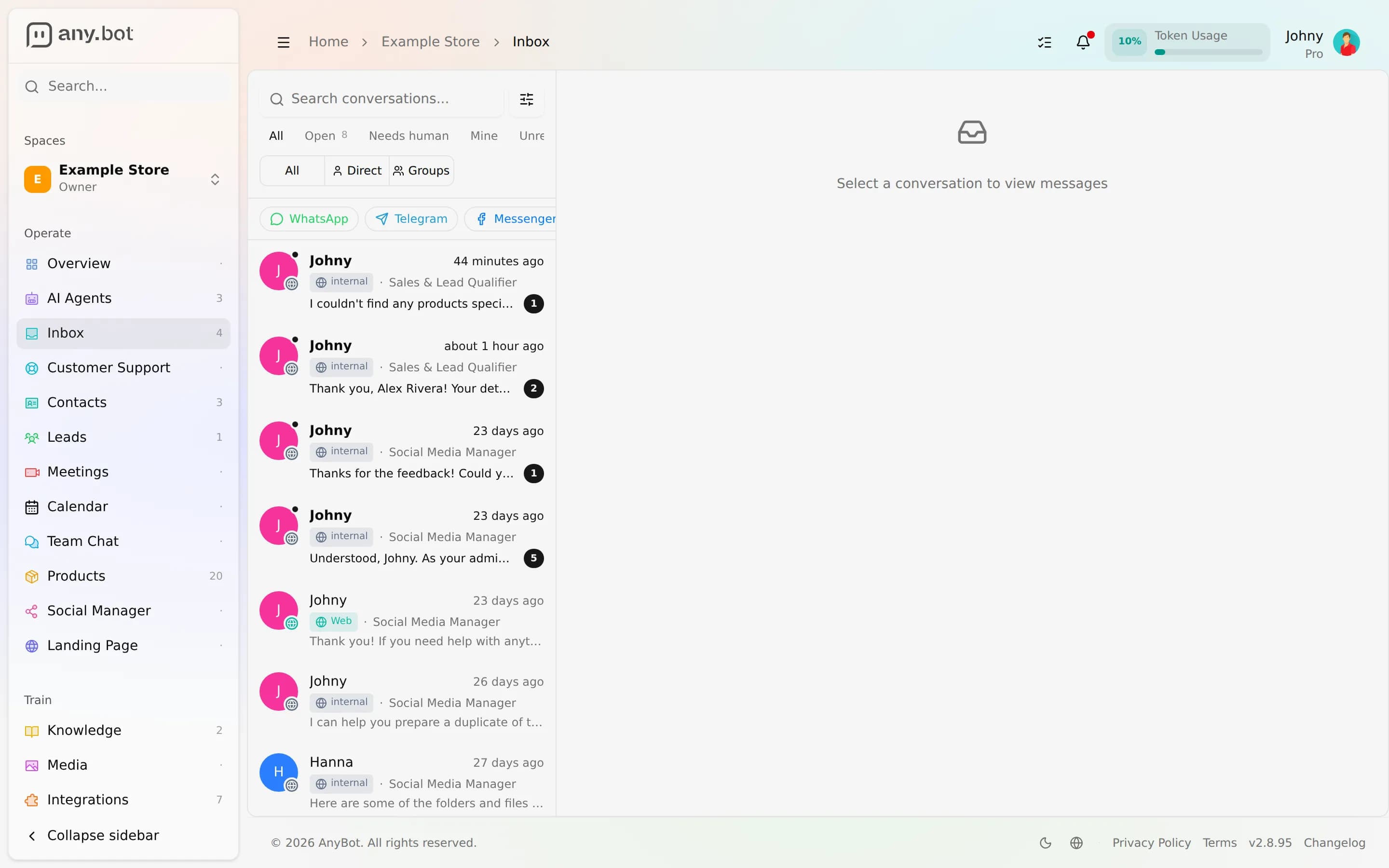
The hub for every channel your agent can talk on (WhatsApp, Instagram, Telegram, Slack, email, SMS, voice, and web chat), all into one inbox.
Diese Seite ist noch nicht übersetzt – die englische Fassung wird angezeigt.
Channels are how customers reach your agent. AnyBot supports 8 channels, and every one is two-way with media, transcribes voice notes, lets you connect more than one account, and normalizes into a single unified inbox with AI-plus-human handover. Pick the channels your customers already use; the agent, its knowledge, and its abilities stay the same across all of them.
How a message flows
Every channel funnels into the same pipeline. Whether a message arrives by WhatsApp, a webhook, or the embed widget, it is normalized into one conversation your agent reasons over:
Customer → Channel → Agent (Knowledge · Abilities · Memory) → Reply → Unified inboxA human teammate can jump into any conversation from the inbox, mute the AI per-contact, and watch replies stream live. The channel is just the doorway.
Capability matrix
The differences that matter when you choose are how you connect, which media flows each way, and whether groups work. The full count is 8 channels; here is how they compare:
| Channel | Set up by | Media (in / out) | Groups | Notes |
|---|---|---|---|---|
| Connect your number in the app | Text, image, voice note, doc, video / text + media + native voice notes | Yes (on @mention) | Read receipts + typing | |
| Instagram DMs | Secure Instagram sign-in | Text, image, audio, video, files, story mentions / text + media | No (1:1) | Professional account required |
| Telegram | Bot token from @BotFather | Text, photo, voice, audio, docs / text + photo + audio + docs | Yes (on @mention or reply) | Webhook auto-registered |
| Slack | Connect your Slack app (token + signing secret) | Text + attachments / messages + threaded replies + media | Channels (DMs + @mentions only) | Reply channel, not the read-only Slack tools |
| Gmail sign-in or any IMAP/SMTP | Inbound mail threads / in-thread replies | - | Settings auto-detected; from-name + signature | |
| SMS | Buy/assign a phone number | SMS + MMS / SMS + media | No | Same number also does voice |
| Voice | Same number as SMS | Spoken call in / synthesized speech out | No | Recorded + transcribed; English-only |
| Web chat | Zero-setup embed | Text + media / streamed text + media | No | Guests trigger public-safe tools only |
Choosing a channel
- Fastest to launch: Web chat (embed a snippet, zero credentials) or WhatsApp (connect your number in a few steps).
- Team-facing / internal: Slack (the agent replies to DMs and @mentions without reading every message).
- Phone-first customers: SMS and Voice (one number does both).
- Group communities: Telegram and WhatsApp reply on @mention.
- Longer-form / async: Email (the agent stays in the existing thread).
You don't have to choose just one. Connect several, and even multiple accounts of the same channel, all into the same inbox.
Shared controls
Every channel exposes the same per-channel settings (auto-reply on/off, a greeting, business hours, an out-of-hours message, and a reply rate limit) plus per-contact AI mute from the inbox. See Channel settings for the full guide, and Phone numbers for buying and assigning numbers.
Next
- Start with the fastest: Web chat or WhatsApp.
- Tune behavior in Channel settings.
- Get a number for SMS and Voice via Phone numbers.
Aus dem Marketplace importieren
Importiere einen fertigen Agenten aus dem Agents Market in deinen Bereich, sieh dir an, was übernommen wird, und passe ihn an wie jeden selbst erstellten Agenten.
Kanaleinstellungen
Automatische Antwort, Begrüßung, Geschäftszeiten, außerhalb der Geschäftszeiten und Antwortrate (die gemeinsamen Steuerelemente, die die meisten Kanäle teilen).